A social media design system your small team will use
A folder of attractive posts is not yet a working system. Plan templates around real content, editing habits, and the buyer’s next step.
The key decisions
- Choose repeatable content purposes before commissioning templates.
- Test the designs with ordinary photos, long headlines, and real editors.
- Connect useful posts to a relevant service, conversation, or resource.
Start with the posts you struggle to produce
Review a recent set of published posts and unfinished drafts. Identify where your team loses time: choosing layouts, finding photographs, rewriting headlines, requesting approval, or exporting the right file. A design system should address those recurring tasks. Buying more layouts will not resolve a missing content owner or a service nobody has explained clearly.
For a hypothetical independent café, the recurring work might include a seasonal menu item, an event announcement, and a short explanation of a supplier relationship. Each has different information needs. An event needs a date and booking route. A menu item needs a useful photograph and availability details. One generic quote card would serve neither task well.
Name the person who will create each type of post and the application they already use. Include their editing skill and available time. The right deliverable is a system they understand under ordinary working conditions, without a designer supervising every change.
Give every content type a buyer-facing purpose
Write the question each post will answer for a prospective customer. An event announcement should tell someone whether to attend and how to reserve a place. A project post should explain the problem you worked on and what the client received. A category called “engagement” gives the person making the post neither of those instructions.
A hypothetical interior design practice might show how a room brief became a material plan. Another post might answer what a client needs before requesting a consultation. A third might introduce a completed project with publication permission. Each gives a prospective client information about the service instead of relying on a repeated invitation to get in touch.
Avoid filling the schedule with claims your team cannot support. If you lack a customer quotation, use an explanation or an approved work sample. Distinguish a concept from commissioned work. Give any illustrative project a visible description so readers do not mistake a study for evidence of a client result.
Specify what changes and what stays fixed
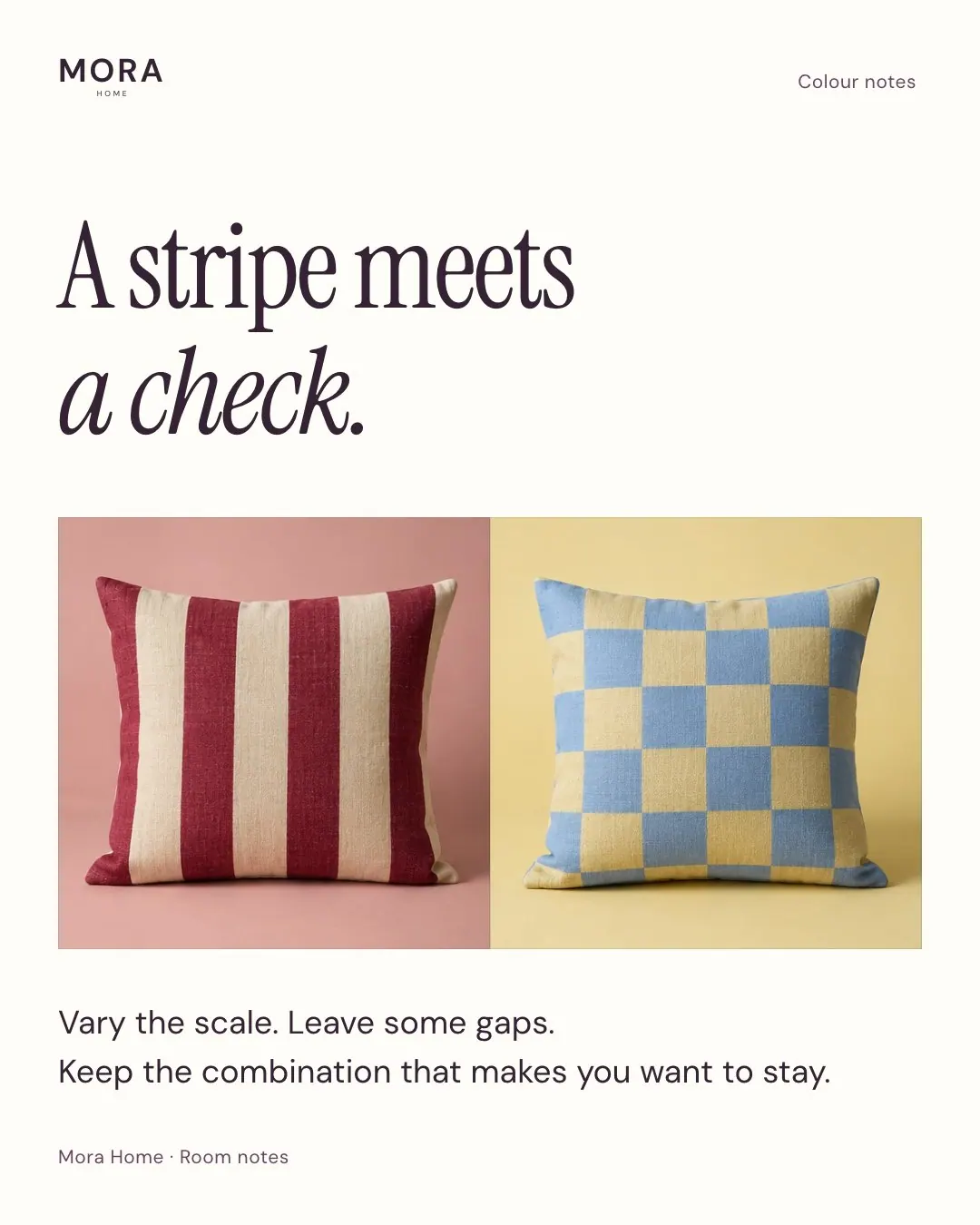
A useful template includes rules for content variation. Specify headline length, text hierarchy, image treatment, spacing, and the parts an editor should leave alone. Ask the designer to show a short headline, a longer headline, an ordinary phone photograph, and an image with limited room for cropping. These cases expose weaknesses hidden by ideal demo content.
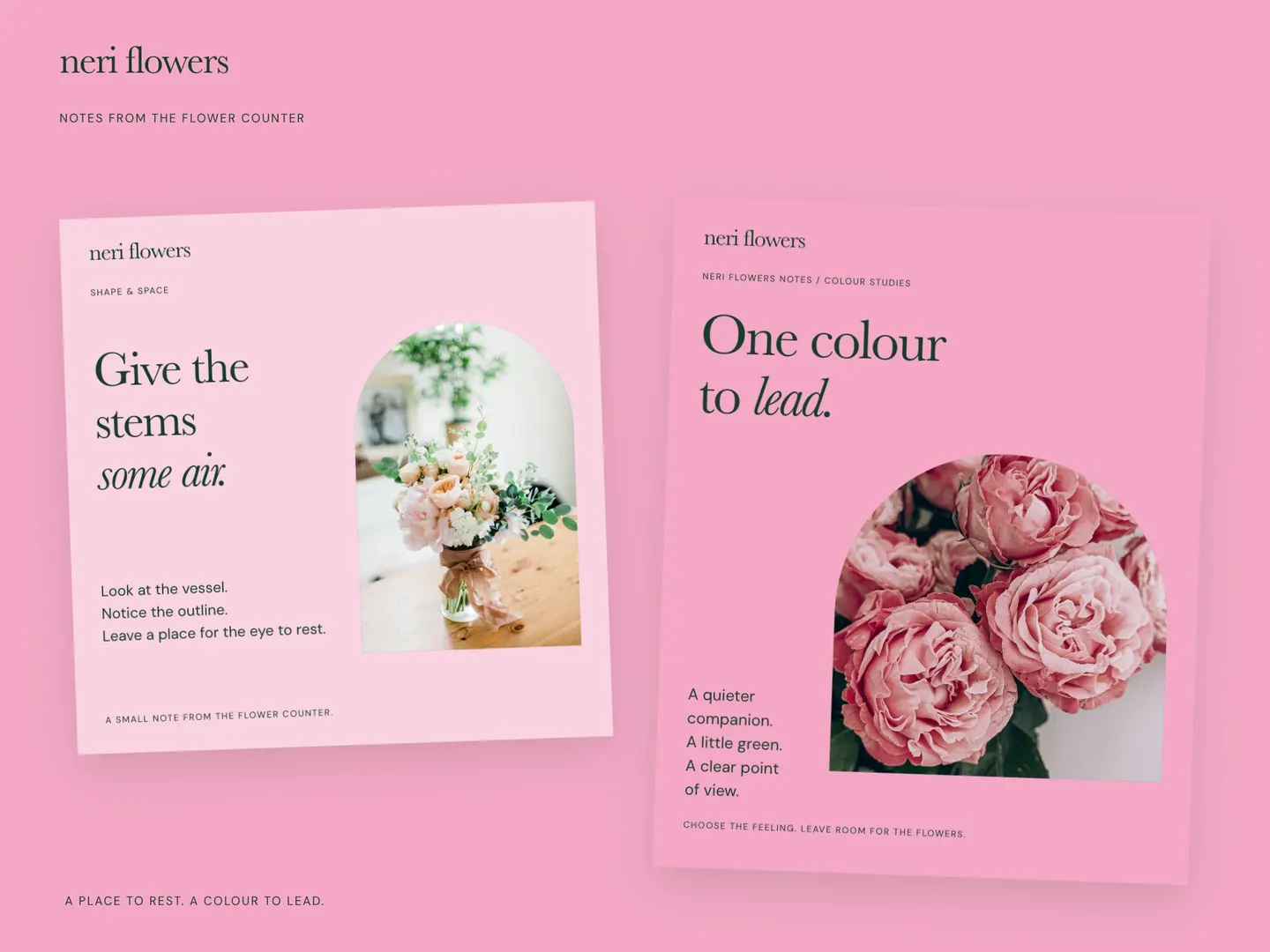
Keep the fixed elements meaningful. A stable type hierarchy and consistent image treatment might be enough. Repeating a large logo, border, slogan, and decorative stamp on every post consumes space without necessarily helping readers. Ask what each element contributes at the size people will see on a phone.
Include a rule for overflow. The editor should know when to shorten a heading, move detail into the caption, or use another layout. Shrinking type until everything fits should not be the default solution. Request an example showing how the system handles a genuinely awkward piece of content.
Review readability at ordinary viewing size
Judge exported posts on a phone, outside the design editor. Read the main message without zooming. Check whether dates, conditions, and the next step remain understandable. A layout approved as a large desktop image might fail when seen between other posts. Use realistic screenshots or platform previews during review, with final crops checked in the publishing interface.
The web.dev color and contrast guidance explains the importance of text contrast and of communicating beyond color alone. Apply those principles to your templates. A sale label needs words, not only a new color. A pale accent shade might suit a background while being unsuitable for small text. Record approved text and background combinations in the handover.
Keep essential information available outside the artwork. Include relevant details in the caption and prepare alternative text where the platform supports the feature. W3C’s informative image guidance emphasizes conveying the information an image communicates. Describe the relevant content rather than adding a string of promotional keywords.
Make photography and permissions part of the system
Templates need a reliable supply of suitable material. Decide who photographs work, where originals are stored, and who confirms publication permission. Write a short capture brief suited to your business. A workshop might need a wide process image, a detail, and a finished object. Avoid relying on photographs nobody has time to produce.
Document practical image rules: preferred lighting, acceptable backgrounds, cropping space, and treatment of inconsistent photos. Ask for a fallback layout when no useful image exists. A text-led explanation is preferable to unrelated stock photography pretending to document your work. Keep any licensed assets with their source and permitted use recorded.
Protect accuracy during editing. Do not crop away a condition needed to understand a result, remove an important qualifier, or attach a customer’s name to an unapproved statement. A social system should help the team preserve meaning while presenting information consistently. Visual consistency alone does not establish credibility.
Structure an approved project story as a LinkedIn document post.
Give interested readers a relevant next step
Decide where a reader goes after each content type. A service explanation might lead to a service page. A project post might lead to the full project. An event announcement needs a current booking route. Test the actual route available in the account instead of assuming every post offers the same link behavior.
Use the same offer language across social content, your website, and the first sales conversation. A reader responding to a post about presentation design should not have to infer whether your generic contact page includes this service. Explain what to send and what happens next. If the destination changes, assign someone to update the relevant links.
Review outcomes with realistic evidence. Record useful conversations, qualified requests, and questions people ask after seeing a post. Treat likes and impressions as context rather than proof of revenue. If attribution is uncertain, keep the uncertainty visible. A design commission should not promise a predictable number of customers from templates alone.
Set an approval process your team will follow
Create one location for the current template files, approved assets, draft captions, and final exports. Give each draft an owner and a status. Separate content approval from design changes. A manager checking service details should not accidentally create a new type scale or color palette while correcting a date.
Use a short review sequence: confirm the factual message, inspect the layout, check the destination, then approve the export. Name the final approver and the fallback when someone is away. For time-sensitive posts, establish a deadline beyond which the post is cancelled or rescheduled rather than published with unchecked details.
When serving more than one market, allow room for language expansion and local details. Test a translated example before buying a large template set. Review dates, punctuation, currencies where relevant, and service terminology. The same artwork with different words needs another reading check, especially when the available space is tight.
Commission a working handover, then test an ordinary post
Ask the studio to specify template purposes, formats, editable files, font requirements, export guidance, and training. Avoid judging the proposal only by the number of templates. Several nearly identical covers might deliver less value than a small set handling your recurring content needs. Ask to see how the system works with your own material.
For acceptance, have your actual editor create a new post from an unfinished brief. Give them ordinary content rather than the polished demonstration copy. Watch where they need help. Adjust instructions, field labels, or layouts where the task breaks down. This checks whether the purchased system supports your team’s working habits.
Bring sample posts, brand files, typical photos, and your main service goals to a 48HRS intro call. Agree on the smallest useful system and the content required to build the first examples. Expand after real use reveals a missing format or repeated task. A growing template folder should follow the work your team performs.
Common questions
How many social media templates does a small business need?
Start with the recurring content jobs your team will publish. Request layouts for those jobs and test content variations. The number matters less than coverage, readability, and ease of editing.
Should every post use the same layout?
No. Keep shared typography, image rules, and spacing while allowing different structures for different information. An event announcement and a project explanation should not compete for the same fixed text slots.
Will a design system bring more enquiries?
A useful system supports consistent publishing and clearer service communication. Enquiries also depend on audience, content, distribution, offer, and follow-up. Agree on what to observe without treating design as a sales guarantee.
Sources and further reading
48HRS social design from $590
This is our starting price, not a market average. We agree your final scope and quote on the intro call.
See package scope and current offers