Design a social media campaign for one offer
A campaign is a short, connected explanation of one offer. Use a message matrix to give each post a job, then review the set before release.

The key decisions
- Set one offer, one audience and one next decision before designing.
- Give each asset a distinct question to answer.
- Map the message, format, visual and call to action in one worksheet.
- Review facts, accessibility, permissions and handoff as one defined project.
Start with the decision behind the campaign
A short campaign helps one defined audience understand an offer and decide on a next step. Keep the company history, other services and broader brand story outside the brief. Write the offer in one sentence before requesting layouts. Name the fit, included work and next action.
Separate a campaign from routine publishing. A campaign has a fixed subject, a bounded set of assets and a review point. Reusable post templates belong in an ongoing content system. A campaign might use existing templates, but commissioning the campaign does not imply a template library, a posting calendar or account management.
When the offer changes from one conversation to the next, agree its promise, scope, conditions and contact route with the service owner before commissioning design.
Set a boundary around what the offer means
A useful brief records the intended audience, a familiar situation, included work, exclusions and the next action. Add details a buyer needs before responding, such as eligibility, timing or required preparation. Do not invent a deadline or imply capacity without confirmation from the service owner.
Use one plain-language explanation as the source for every asset. Adapt headlines to each format while keeping facts stable. Mark claims requiring evidence and name the approver. If a claim relies on a client example, obtain permission and verify the wording before artwork begins.
Name one campaign owner. One person gathers factual corrections, combines feedback and gives final approval. Separate factual review from visual preference. Reviewers should flag offer corrections. A late change in tone or layout needs a named decision and a clear owner.
Build a message matrix before choosing layouts
Use the matrix as a working worksheet. The example is fictional: a bookkeeping practice introduces quarterly close support.
Each asset gets one role. Individual posts need enough context to make sense on their own. The sequence adds detail for people who see more than one. Avoid designs requiring a fixed viewing order.
| Post role | Audience question | Message and visual | Next step |
|---|---|---|---|
| Recognize | What is taking time at quarter end? | Name one familiar task. Use an approved desk or document detail. | Read the offer overview. |
| Understand | What does the service include? | Show the sequence of supplied records, review and returned summary. | Check the stated requirements. |
| Check fit | Who is this service for, and which work stays outside scope? | List fit conditions and one explicit exclusion in plain language. | Ask about fit with a specific question. |
| Act | What should I prepare before contacting the team? | Show the first step and the information the service owner needs. | Use the named contact route. |
Sequence the explanation without forcing a viewing order
Arrange the posts from recognition to understanding, fit and action. This order helps the team review the message as a whole. Each post should make its own point, whether a viewer sees an earlier or later asset first.
Use a different format only when the format serves the message. A short story frame might point to a date or first step. A square post might compare two options. A document might carry a longer explanation. A format list without a reason creates production work without improving the explanation.
Design a recognizable set with useful variation
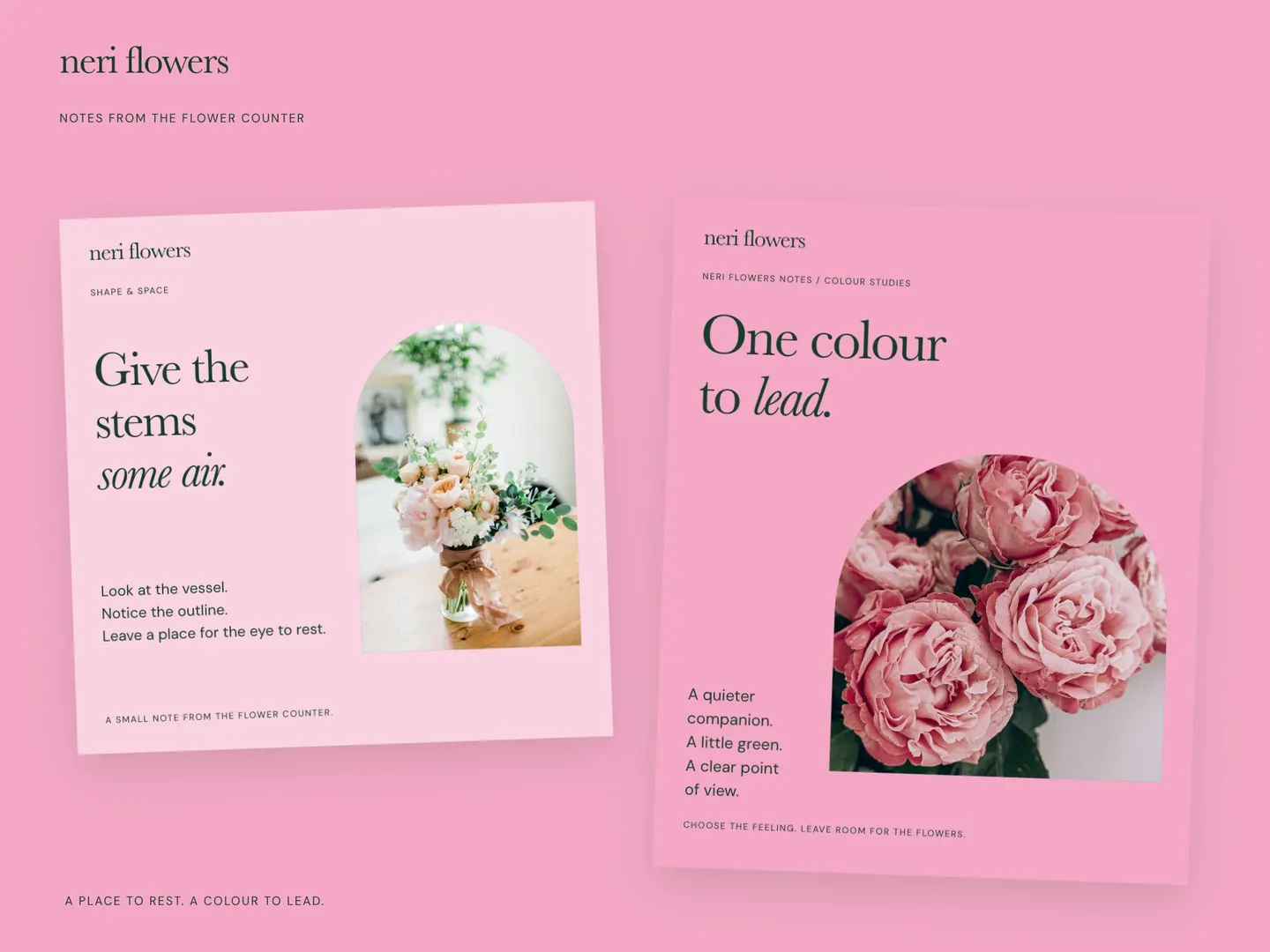
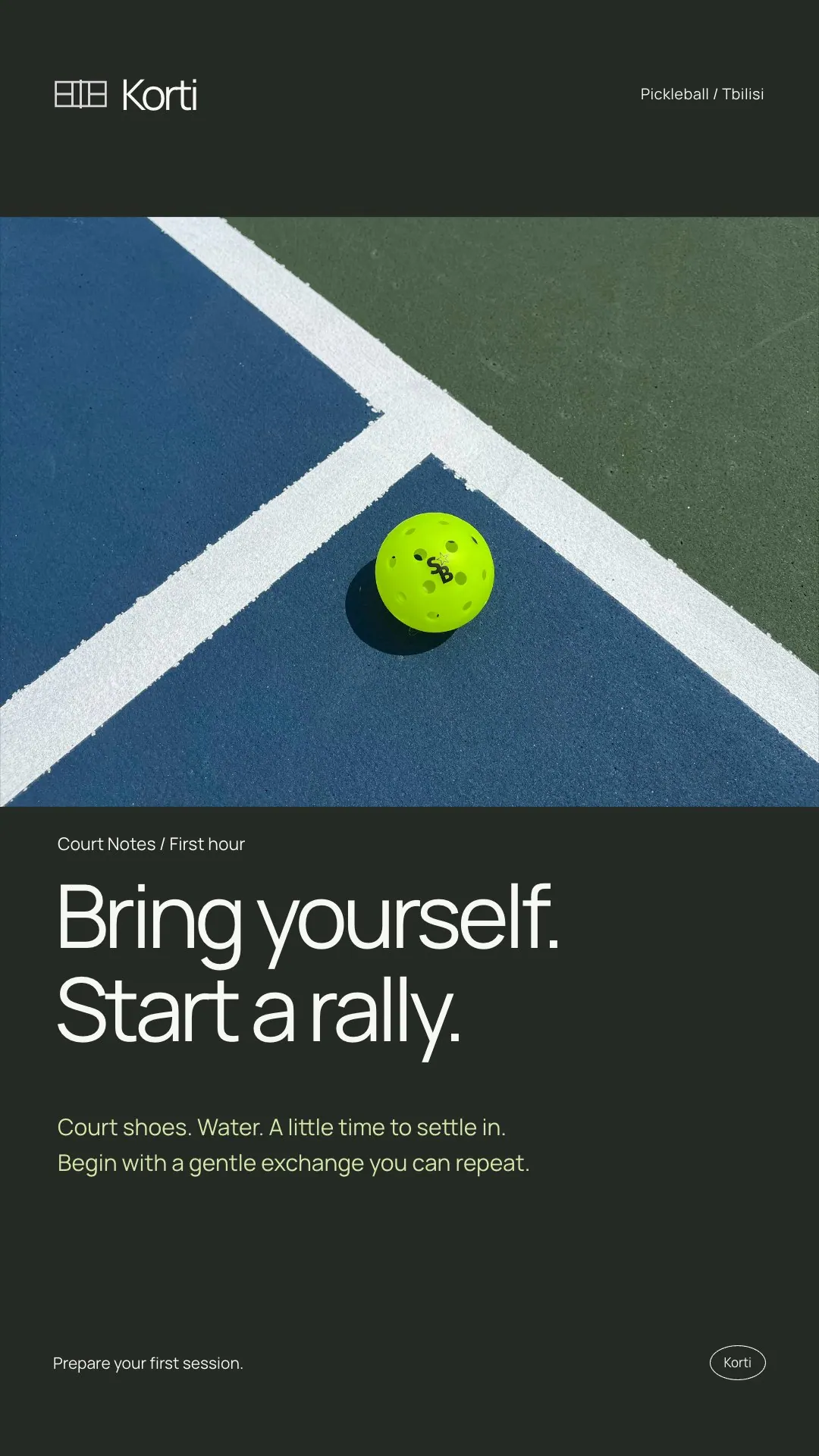
Keep type, color, image treatment, spacing and one recurring graphic cue consistent. Vary the layout with each post’s purpose. A process post might use numbered steps. A fit post might make conditions easy to scan. Give the next action enough space to read.
Use photographs or diagrams only when the image adds information. A generic stock image rarely explains what a service includes. A screen, object or process detail needs permission and context. If an image shows a real customer record or workplace, remove private information and confirm use rights before design review.
Review content, access and ownership together
The Bundesfachstelle Barrierefreiheit distinguishes alternative text from a visible caption. Alternative text describes the information in an image; a caption adds context. Write both for their purpose and avoid copying every word from the artwork. Check the current controls for each channel before delivery.
Before approval, ask the service owner to confirm the offer, scope, conditions, dates and contact route. Ask the design owner to review reading order, contrast, legibility at phone size and whether information depends on color alone. Confirm permission for photographs, quotes, names, logos and project details.
A compact approval list keeps the review useful:
- The offer, included work and exclusions match the approved service description.
- Each post makes sense on its own and has one clear action.
- Images have appropriate descriptions, and video assets have reviewed captions where used.
- The named owner has approved facts, rights and final artwork.
Define the handoff and choose the next step
List the agreed deliverables before production begins: final post designs, export files, any editable source files, caption copy and placement notes. State who provides facts, approves the work, publishes it and answers enquiries. Include publishing or reply management only when the service scope names those tasks.
A clear next step is to approve the one-sentence offer, the matrix and the asset list before layout work. If the team cannot approve those items, pause the design brief and resolve the service wording first. If the campaign needs a repeatable system for future posts, use a separate template brief. If the main need is a project narrative on LinkedIn, use a case-study storyboard.
Common questions
How many posts belong in one campaign?
There is no fixed count. Include one asset for each distinct audience question, then remove repeated posts without a useful detail.
Should every post repeat the same call to action?
Use one consistent next step when the offer has one route. Earlier posts should explain fit or requirements. Keep the route and wording coherent across the set.
Does campaign design include publishing and ongoing management?
Publishing, moderation and reporting are separate deliverables. Include them in the project scope only if the provider agrees to handle them.
Sources and further reading
48HRS social design from $590
This is our starting price, not a market average. We agree your final scope and quote on the intro call.
See package scope and current offers