A clear LinkedIn case study carousel
A LinkedIn case study post should explain the project in six deliberate steps. Start with approved facts, then prepare the document and its accessible summary.
The key decisions
- Get approval for the project facts, names, images and evidence before writing.
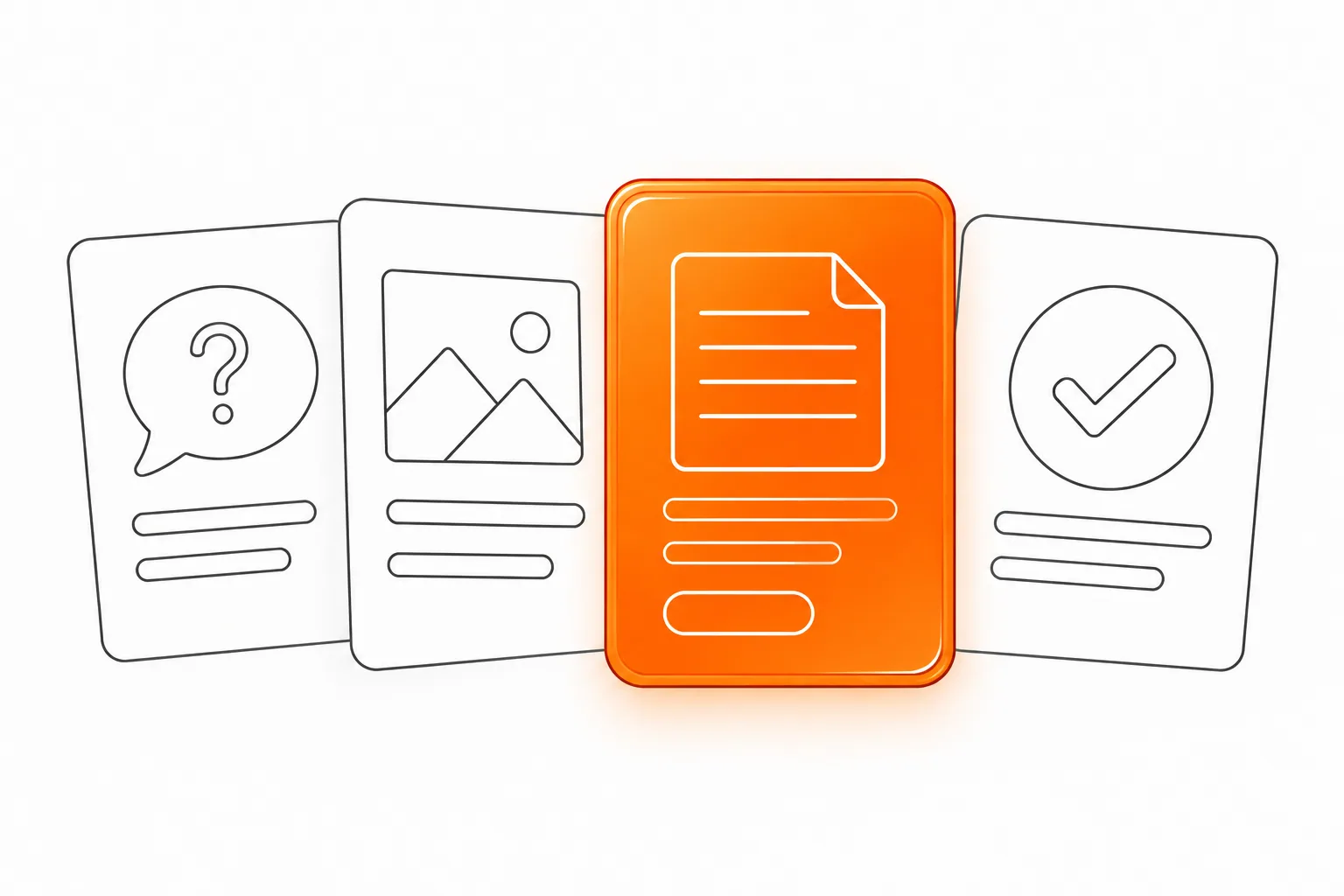
- Give each of six panels one job: context, task, constraint, approach, work and verified next point.
- LinkedIn Help lists PDF as a supported document-post format. Review the final upload in the publishing account.
- Add a plain-language summary so the story does not live only inside the visual document.
Begin with an approved project record
A case-study carousel tells the public about a project. Confirm who owns the facts, which organizations and people may be named, which images are cleared and where each claim came from. Have the project owner approve the public description. Remove private material before sending files to the designer.
Separate delivered work from later changes in the client’s business. A later change needs its own evidence and permission. If the project has no approved metric, describe a verified deliverable or decision. The post can explain the work without a performance statistic.
Choose one person to approve the claims and another to approve names, images and quotations. Keep source records beside the working copy. Check every figure against its source before publishing.
Choose the reader’s question before the format
A useful case post answers a prospective buyer’s question about fit. A buyer might ask about a constraint, included work or handoff. Choose one. Six panels leave limited room for detail. Keep company profile, technical specification and sales presentation work outside this post.
Draft the story in plain text first. State the starting situation, agreed task, relevant constraint, delivered work and approved evidence. If the sequence needs images to make sense, clarify the explanation before design. End with a next step connected to the case.
Use six panels with one purpose each
This six-panel storyboard is an editorial worksheet. Hypothetical example: it uses placeholders for a company and a redesigned request form.
Close with a verified deliverable or a question that helps a prospective buyer assess fit. The sequence should make sense without a before-and-after image.
| Panel | Purpose | Content to approve |
|---|---|---|
| 1. Context | Help the right reader recognize the situation. | A short description of the organization type and working context. |
| 2. Task | State what the project owner asked the team to do. | The approved brief or a faithful summary of the task. |
| 3. Constraint | Show what shaped the work. | A documented limit, dependency or user need. |
| 4. Approach | Explain the decision behind the work. | The steps or design choice supported by project notes. |
| 5. Delivered work | Make the output concrete. | A cleared image, screen or description of the supplied work. |
| 6. Evidence and next step | Close with a verified point and a relevant route. | An approved artifact or finding, plus one contact or reading action. |
Make the evidence visible and bounded
Use details that make the account specific, such as a cleared screen, project diagram, approved brief excerpt or named process step. Explain each detail. Redact personal and confidential information, then ask the project owner to approve the exact export.
Keep a claim log with each claim, source, owner and permission status. Distinguish observed facts from interpretation. “The team delivered a request form with review stages” is a deliverable claim if the final file shows those stages. “The form removed delays” needs evidence of both the delays and the change. Leave the claim out if either is missing.
Prepare the LinkedIn document post carefully
LinkedIn Help lists PDF as a supported document-post format. The upload flow asks for a document title and post description. Its guidance says you can edit the description after upload, but not the document. Keep the editable source, export a review copy and check every page before publishing.
Use one page size and readable type. Check links, spelling, page order, contrast and text selection in the exported PDF on a phone and desktop. Give complex diagrams labels and a plain-language explanation of how the parts relate.
Give the case a text route as well
Write a short post description with the project type, task and approved takeaway. When the PDF contains the full sequence, add a plain-text summary on a page you control and link to it. Include essential context and the next step in text, not only in the artwork.
The Bundesfachstelle Barrierefreiheit distinguishes the roles: alternative text describes an image, while a visible caption adds context. Use each for its purpose and avoid copying the artwork word for word into the image description. Check LinkedIn’s current post composer before relying on a specific control.
Keep the project boundaries in the summary. Name the delivered work and what remains outside the story.
Run a final evidence and permission review
The project owner checks the task, constraints, deliverables and any stated result. The client or rights owner confirms names, images and quotations. The designer checks page order and compares the export with the approved copy. The publishing owner checks the post description and links in the target account.
Make sure readers can distinguish documented facts from explanation. Rewrite unclear claims. Confirm the project record and permissions before commissioning the six-panel design. Avoid engagement targets or claims that the post will bring enquiries.
Common questions
Does LinkedIn support a native document post for this format?
LinkedIn Help documents adding a document to a post and lists PDF as a supported format. Check the current composer in the publishing account, then review the upload. The document itself stays fixed after posting.
What belongs in the final panel if the project has no approved metrics?
Use a verified deliverable, a documented decision or a relevant next step.
Should the post description repeat every panel?
No. The description should explain the project and its essential point in text. Link to a fuller accessible summary when readers need the complete sequence outside the PDF.
Sources and further reading
48HRS social design from $590
This is our starting price, not a market average. We agree your final scope and quote on the intro call.
See package scope and current offers