Sales presentation design: help a buyer make the next decision
A sales deck needs a clear argument before visual polish. Learn what to include, what to remove, and how to commission slides your team will use.
The key decisions
- Define the decision the meeting should support before choosing a slide count.
- Separate confirmed evidence, illustrative examples, and future proposals.
- Test the deck in the presenting application and require editable handover files.
Name the decision this presentation needs to support
Before opening a slide application, finish this sentence: after the meeting, the buyer should decide whether to do what? The answer might be approve a discovery project, invite your team to submit a proposal, or involve another stakeholder. “Understand our company” is incomplete unless you know why this understanding matters to the purchase.
A hypothetical architecture practice presenting to a property owner might seek agreement on a paid feasibility stage. The owner needs to understand the site questions, the work included, the information required, and the next commitment. A complete history of the practice would delay those answers. Relevant experience belongs where the buyer needs evidence of capability.
Write down who attends, what they already know, and which decisions fall outside the room. If procurement or a technical reviewer joins later, prepare supporting material for their questions. Do not force one meeting deck to answer every question from every possible stakeholder.
Separate a live presentation from a document sent ahead
A live deck supports a speaker. A document sent by email needs to explain the argument without a speaker present. Choose the main use before commissioning design. Otherwise you risk slides crowded with reading material during the meeting and a sparse PDF nobody understands afterward. Ask for separate versions when both uses matter.
For live use, keep the key statement visible and put supporting detail in speaker notes or an appendix. For a reading version, include enough context to explain diagrams, terms, and proposed next steps. This is an editorial change as well as a layout change. Exporting the same slides to PDF does not automatically create a useful leave-behind.
Specify the viewing conditions: video call, meeting-room display, laptop, or printed document. Ask which application and operating system the team will use. Include any requirement for offline presenting. These details influence type size, media choices, transitions, and the final acceptance task.
Build a sequence around questions the buyer needs answered
Start with an outline of questions before designing slides. What situation brings the buyer here? What needs to change? What do you propose? Why is the approach suitable? What evidence supports the proposal? What would working together involve? What decision comes next? Arrange the sequence around the actual conversation rather than a standard company profile.
For the hypothetical feasibility presentation, the sequence might cover the owner’s objective, unresolved site questions, the assessment approach, relevant permitted work, deliverables, responsibilities, and the approval needed to begin. Several questions might share a slide. A complex question might need more than one. Let explanation determine slide count.
Give each slide a headline stating the point. “The first stage tests access and layout options” communicates more than “Our process.” Read the headlines in order without the body text. If the argument disappears, rewrite the outline before polishing layouts. A designer should help clarify the sequence, not merely format a weak draft.
Make the evidence specific and inspectable
Use evidence relevant to the buyer’s concern. A project image might demonstrate a type of work. A process excerpt might show how you organize delivery. A customer quotation might address collaboration. Explain what each example establishes. Avoid presenting an attractive photograph as proof of commercial results or operational performance.
Label illustrative work and proposed scenarios clearly. If a financial example uses assumptions, display the assumptions and identify the owner responsible for verifying them. If a result belongs to one project, preserve the scope and context. Do not turn an isolated result into an implied promise for every future customer.
Maintain a source file for claims, quotations, and numbers. Record the original material, permission status, and the approved wording. Remove unsupported superlatives instead of asking the designer to make them look credible. For a small studio with limited case material, a well-explained approach is more honest than invented scale, clients, or results.
Use diagrams and comparison slides to clarify the purchase
Choose visuals by the explanation required. A sequence diagram suits project stages. A labelled image suits a physical detail. A comparison table suits alternatives with shared criteria. A chart needs genuine data and a reason to show change or difference. Decorative charts with invented figures create confusion rather than evidence.
For a proposal with two scope options, compare the same categories: deliverables, client inputs, review process, exclusions, and timing assumptions. Avoid emphasizing one option through visual tricks while hiding an important limitation in small text. A buyer should be able to explain the difference to a colleague after the meeting.
Keep essential qualifiers near the claim they qualify. Define unfamiliar terms once and use them consistently. If a diagram needs a long spoken explanation, ask whether the labels or structure need revision. The visual should reduce the effort required to understand the offer, while preserving the detail necessary for a responsible decision.

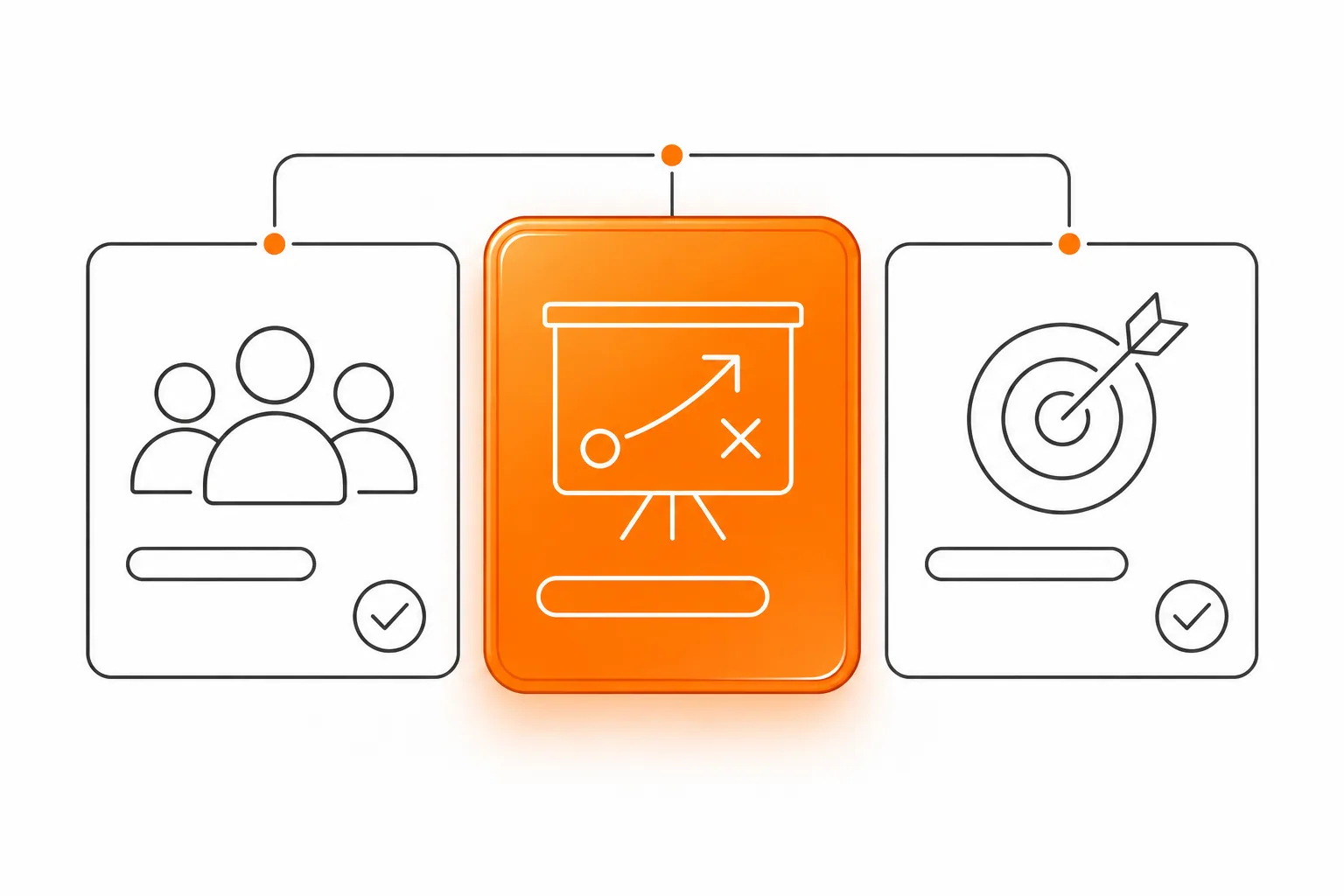
Map a complex service into steps, responsibilities and decisions.
Review readability and accessibility in the working file
Open the deck in presentation mode using the setup your team expects to use. Check whether the smallest important text remains readable and whether charts retain labels when shared on a call. Move dense supporting material to an appendix or a separate document instead of compressing every detail onto a single slide.
Microsoft’s PowerPoint accessibility guidance covers descriptive slide titles, text alternatives, contrast, and logical reading order. Ask the designer to check those properties in the editable file and run the Accessibility Checker. A visually tidy slide still needs an understandable object order for someone using assistive technology. Review the output format separately when distributing a PDF.
Do not rely on color alone to distinguish options or status. Add labels. Explain meaningful visuals in text, and keep link labels understandable. Accessibility review belongs in the production scope from the beginning, especially when the deck circulates beyond the people present in the meeting.
Make future edits part of the design brief
Tell the studio which content changes frequently: team members, service scope, project examples, dates, or commercial terms. Request reusable layouts for those changes. Ask an employee to duplicate a slide, replace a photograph, and update a comparison before acceptance. This reveals whether the deck is editable in practice rather than merely delivered in an editable file format.
Agree on application compatibility, font availability, licensed assets, notes, and export instructions. A flattened slide image makes small revisions difficult. A missing font might alter the layout on another computer. Have the editor follow the handover instructions to make a change and export a PDF, then check the result. Keep a fallback copy for the meeting.
Use one approved master and archive older versions. Put dates and version information somewhere your team understands. For international use, review currencies, number formats, time zones, and language together. Separate files need named owners so an updated scope does not leave a translated presentation describing an obsolete offer.
End with a request the buyer understands
Replace a generic closing slide with the decision you named at the start. Explain what you propose next, who needs to participate, what information is required, and who will follow up. For the feasibility example, the request might be approval of a defined assessment and access to existing site documents. The buyer should understand the commitment.
Rehearse with someone who has not helped write the deck. Ask them to explain the offer, the evidence, the limits, and the next step. Note misunderstandings before offering more explanation. Revise the material where the argument fails. This rehearsal checks communication rather than predicting a sales result.
For a 48HRS intro call, bring the current deck, meeting context, source material, brand files, and the application your team uses. Identify whether you need narrative editing, visual design, or both. Agree on the working files and acceptance checks in the proposal. A useful presentation should remain usable after the first meeting.
Common questions
How many slides should a sales presentation contain?
Use enough slides to support the meeting decision and explain the offer clearly. Draft the question sequence first, rehearse within the available meeting time, and move secondary detail to an appendix.
Should I send the presentation after the call?
Send a version understandable without your narration. Add context for diagrams and terms, preserve limitations, and include the agreed next step. Review the PDF rather than assuming the live deck works unchanged.
What files should a presentation designer deliver?
Agree on the editable application file, approved PDF, reusable layouts, required fonts or alternatives, licensed assets, notes, and export guidance. Test editing and presenting on your team’s own setup.
Sources and further reading
48HRS presentation design from $590
This is our starting price, not a market average. We agree your final scope and quote on the intro call.
See package scope and current offers