Explain a complex B2B service with process maps and clear responsibilities
Show what happens, who owns each step and where the service ends with a process map and responsibility table.
The key decisions
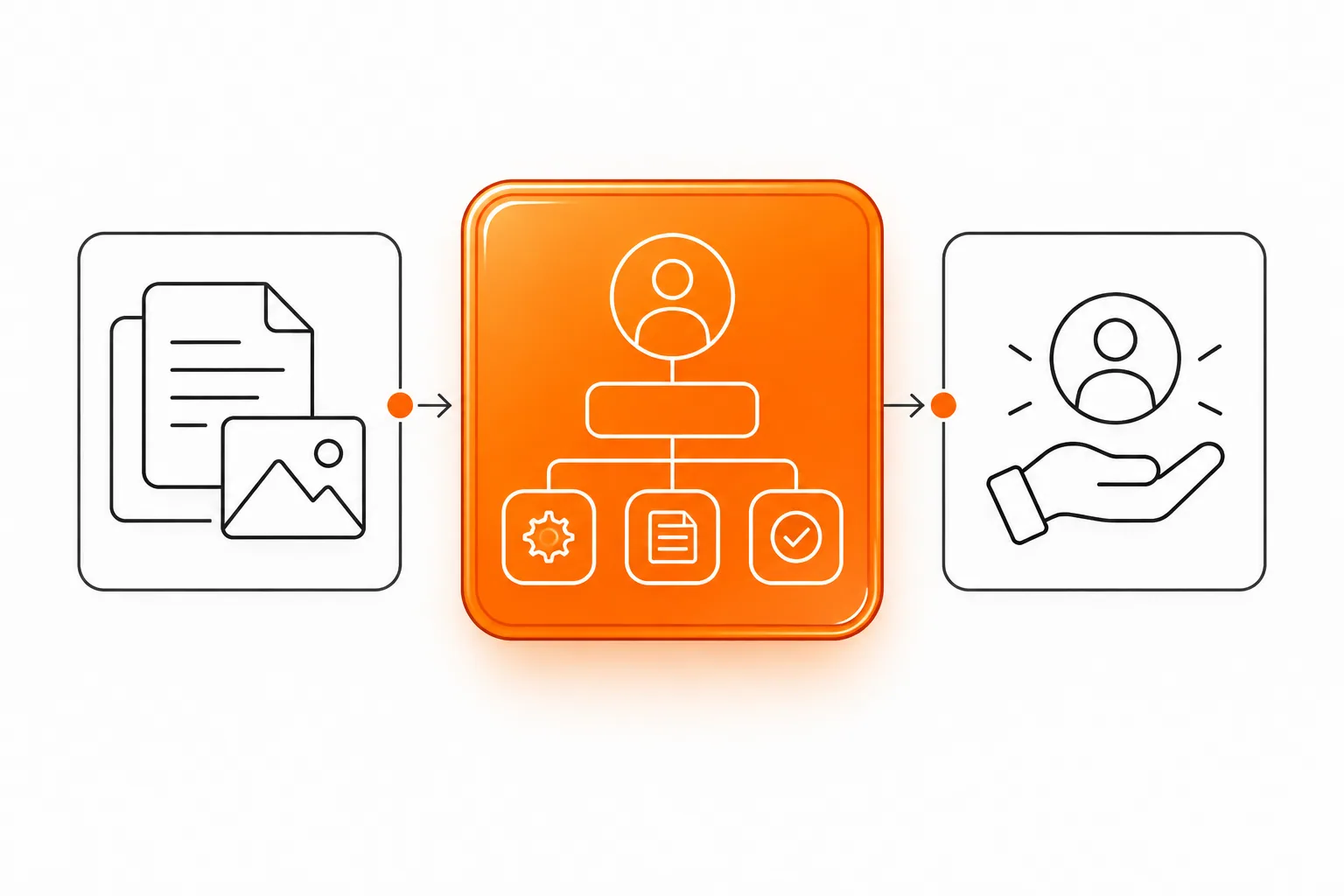
- Name the operational decision the presentation should support.
- Show each step with an owner, input, output and handoff.
- Separate included work, customer responsibilities, dependencies and exclusions.
- Check the reading order and alternative text in the exported presentation.
Name the operational decision
A presentation about a complex B2B service should explain what happens, who participates and where responsibility changes hands. Start with the decision the meeting needs to resolve, such as naming a process owner, approving an input or assigning a handoff.
Keep this brief separate from a company introduction or general sales deck. Leave company history, a broad capability list and a tour of every feature outside the service explanation. Give the group enough information to understand the service boundary and operating sequence. Add commercial context only when a process decision requires commercial detail.
Write the decision in one sentence. Then list the roles in the room and the information each needs. Operations needs timing and handoffs. IT needs systems and access. Procurement needs scope and dependencies. A sponsor needs to see unresolved decisions. Use the process map to connect these questions.
Define scope before drawing the process
A vague service boundary makes a process map misleading. Record the starting condition, included work, customer input, dependencies, output and excluded work. Identify steps requiring approval. For system or third-party dependencies, show a boundary with an owner rather than a hidden box in the diagram.
Use direct action words. “Configuration” alone is too broad. “The provider maps the agreed fields, then the customer checks three sample records” gives each team a clear confirmation task. When departments assign different meanings to a term, define each term once and use consistent wording throughout.
Use the proposed worksheet below to settle the diagram’s content before styling arrows.
| Boundary question | Record before design |
|---|---|
| Where does the service start? | Starting condition, request or approved input triggering the work. |
| What does the provider own? | Named actions and the output delivered at each step. |
| What does the customer own? | Information, access, review or approval required to proceed. |
| Where does the service end? | The accepted output and the next owner after handoff. |
| What stays outside scope? | Excluded systems, extra work, ongoing support or decisions held by another team. |
Map steps, owners and decision gates
Use a lane for each accountable group, such as provider, customer and external system. Each step needs a verb, an owner and an output. Add a decision gate only when an approval or choice changes the next step. Draw handoffs explicitly. A line crossing between lanes means someone receives information or accepts responsibility. Label the exchange.
A compact map usually reads from left to right or top to bottom. Keep a visible start and finish. Use the same shape for the same kind of action. If the flow has many branches, show the main path first and move exceptions to a separate page. Do not shrink the type to fit every exception into one diagram.

Give the group one shared view
Start with the service and its boundaries, then add details by role. Operations needs handoffs and timing. Technical staff need systems, inputs and access conditions. Decision owners need approvals, exclusions and unresolved choices.
Avoid unexplained abbreviations. Define a term where it first appears and use process and team names consistently. If a workflow has a technical branch, label its effect in plain language so people can see what their team needs to do.
Work through a hypothetical service map
Hypothetical example: a fictional retailer asks an external provider to set up a ticketing system for customer support.
The first step confirms request categories and required access. The retailer supplies examples and names an owner. The provider maps categories and configures the workspace. The retailer reviews sample tickets and approves the setup. The provider hands over the agreed guide and access details. Include ongoing support only if the scope specifies its hours, owner and response path.
Write the steps in a small responsibility table before drawing the slides:
| Step | Provider | Customer team | Handoff or approval |
|---|---|---|---|
| Confirm inputs | List required fields and access. | Supply examples and name a process owner. | Owner approves the input set. |
| Configure | Map categories and set agreed routing. | Answer questions about team responsibilities. | Provider shares a review environment. |
| Review | Prepare sample cases and record corrections. | Check routing and approve the tested setup. | Provider begins handoff after approval. |
| Handoff | Deliver the guide and agreed access details. | Accept ownership of daily use. | Ongoing support stays out of scope unless specified. |
Build a short operational slide sequence
Move from the decision and current state to the service boundary, process map, responsibility table, dependencies and open questions. Give each slide one review task. One slide can hold a map and short key. Avoid pairing a dense system diagram with contract language.
Keep a larger reference diagram for people who need detail. The meeting deck shows the route and points to the reference. Label versions and owners so the group knows which process record the slides reflect. If a dependency or approval changes later, update the map and its date before reusing the deck.
Plan a sales presentation around a buyer decisionPrepare a separate B2B company profile deck
Check slide titles, reading order and diagrams
Microsoft’s PowerPoint guidance recommends descriptive slide titles, alternative text and a logical reading order. Check the deck with the accessibility tools and inspect the export. Read the object list in order and check whether labels explain how steps relate, rather than naming shapes alone.
Use strong contrast and type large enough for a meeting room or shared screen. Do not encode owner or status by color alone. Repeat the role name in text, pair color with a label or pattern, and provide a plain-language key. If a diagram is too dense to describe, divide the diagram into stages and retain a text summary alongside the visual.
A final review should include a process owner, a technical reviewer and a person responsible for the presentation file. Ask each to confirm the facts they own, rather than asking the full group to approve every detail.
Collect project goals and responsibilities in a website brief
Choose the next decision and handoff
End with the next decision, its owner and the open items. Record what the group approved, who resolves each question and when the process map changes.
Before commissioning the slides, gather the current process, agreed service scope, roles, dependencies, exclusions and handoff conditions. Name the content approver and source owner. The presentation brief should identify the audience, setting and source files. The studio turns those materials into service slides. The client team verifies operational details and makes the decisions.
Common questions
How many slides does a service explanation need?
Use enough slides to show the decision, boundary, process, owners and handoff without compressing the flow. Start with those review tasks, then move reference detail to an appendix or separate file.
Should this deck include the full company story?
Only when company credentials help explain the operating choice. A service deck should spend its space on steps, responsibilities, dependencies and scope. Keep a company profile separate when the buyer needs supplier orientation.
Who approves the process map?
The people who own the service, customer inputs, technical dependencies and acceptance conditions should each verify their part. Name one person to combine corrections and approve the final operational version.
Sources and further reading
48HRS presentation design from $590
This is our starting price, not a market average. We agree your final scope and quote on the intro call.
See package scope and current offers