B2B company presentation: show services and collaboration
A company deck should help a partner or supplier reviewer understand what you do, how work runs and which evidence supports your claims.
The key decisions
- Use the deck to explain capability, scope, delivery and collaboration.
- Give each service a clear slide with inputs, outputs and boundaries.
- Tie every factual claim to an approved source and owner.
Set the purpose of the company deck
A B2B company presentation for partner or supplier review answers a different question from a sales pitch. Reviewers need to understand who the company serves, which services it provides, how the work proceeds and what the team hands over. The deck helps them assess fit before a project discussion.
Keep the purpose visible while editing. Remove objection handling, urgency language and a long argument for why the viewer should buy. A partner looking for a delivery supplier needs clear service boundaries, responsibilities and evidence. A prospective buyer considering one purchase needs a sales presentation with a different story.
Use the deck to assess fit. Keep project-specific scope, schedules and commercial terms in the proposal.
Compare this qualification deck with a presentation designed to support a sale.
Plan eight slides around the reviewer’s questions
Use this outline as a starting point. Combine slides when the company has a narrow scope. Add a slide only when the reviewer needs a separate piece of information. Keep the slide title specific so the deck remains understandable when someone scans the slide sorter or shares one page on its own.
| Slide | Purpose | Content to verify |
|---|---|---|
| 1. Company at a glance | Identify the company and the kind of work it accepts | Current company description and intended audience |
| 2. Service map | Show the main service areas and how they differ | Current service list and clear exclusions |
| 3. Service A | Explain one offer in practical terms | Buyer situation, inputs, outputs and boundaries |
| 4. Service B | Explain a second offer using the same structure | Evidence of the service and the handover item |
| 5. Delivery path | Show stages from accepted brief to handover | Named owner and actual sequence |
| 6. Collaboration | Clarify decisions, feedback and client responsibilities | Who supplies, reviews and approves each item |
| 7. Relevant work | Show approved examples and the company’s role | Live work or approved case evidence with context |
| 8. Fit and next step | Name the information needed to assess a project | Contact route, required input and open questions |
Give each service a useful slide
A service slide should let a reviewer tell whether an offer fits the requirement. Use a stable order: buyer situation, work included, information required, deliverables and exclusions. Keep the format consistent across service slides so a reader can compare the offers without decoding a new layout each time.
Name the deliverable. “Planning support” says little on its own. A clearer description might identify a workshop, a short decision record and a follow-up plan, if those items match the real service. Explain what the customer must provide and which work falls outside the offer. Do not imply a broader service than the team delivers.
If the company has one main service, use the extra slide for a second relevant delivery path or a clear boundary. Do not invent a second offer to fill a template. For complex technical work, a dedicated service presentation might need a different sequence and more detail.

See a separate outline for explaining a complex B2B service.
Build a claim-to-evidence ledger
Before laying out the slides, list every claim about capability, experience, delivery and past work. Record the supporting evidence, its owner and any limit on what the slide may say.
Use factual wording. If the company has a documented team structure, name the roles. If a process map shows the current handoff, describe that handoff. If a past case has no approved metric, explain the work and deliverables instead of inserting an unsupported outcome. Leave unsupported claims off the slide.
| Claim for review | Evidence to check | Decision |
|---|---|---|
| The team offers two service lines | Current approved service descriptions | Keep only the active offers |
| A named role leads each project | Current staffing and assignment process | Name a role only if ownership is real |
| The company has delivered similar work | Approved project record and client permission | Show the actual role and context |
| The handover includes editable files | Current scope and handover checklist | State the file types and limits |
| A result changed after delivery | Verifiable source, period and method | Omit the claim when evidence is absent |
Show evidence a reviewer can interpret
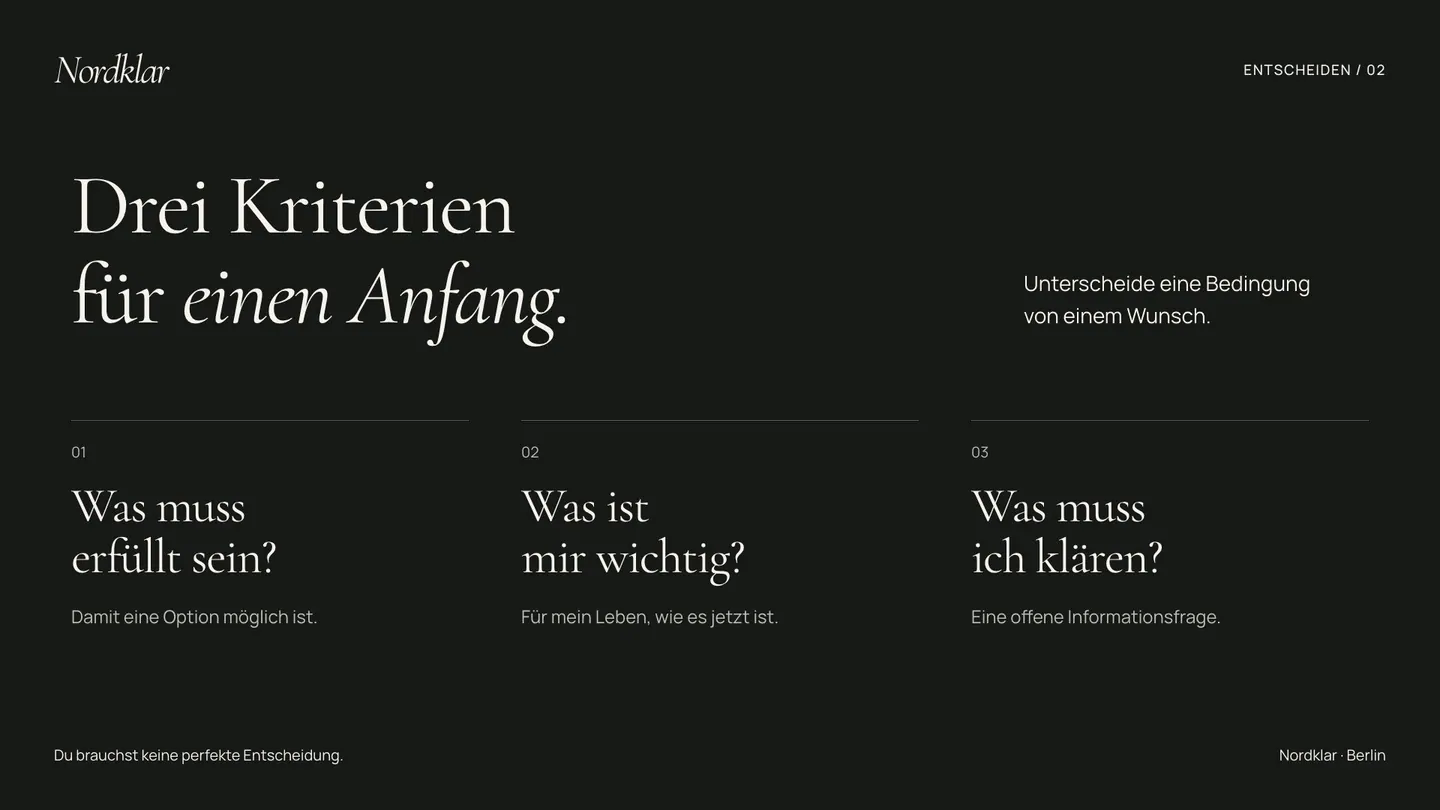
Choose one or two examples tied to the reviewer’s likely needs. Give each example a short caption: context, the team’s role, work delivered and a link to the approved project page when available. A row of client logos does not explain whether the company led the work, contributed one part or supplied a product.
Do not invent client names, quotations, sectors, project scale or outcome measures. If a case is confidential, ask what approved material the reviewer may see. Label a concept clearly so the reader knows it shows a design direction rather than delivered work.
Match each example to its claim. Use a workshop photograph to show the setting and a current process diagram to document the sequence.
Make collaboration and handover visible
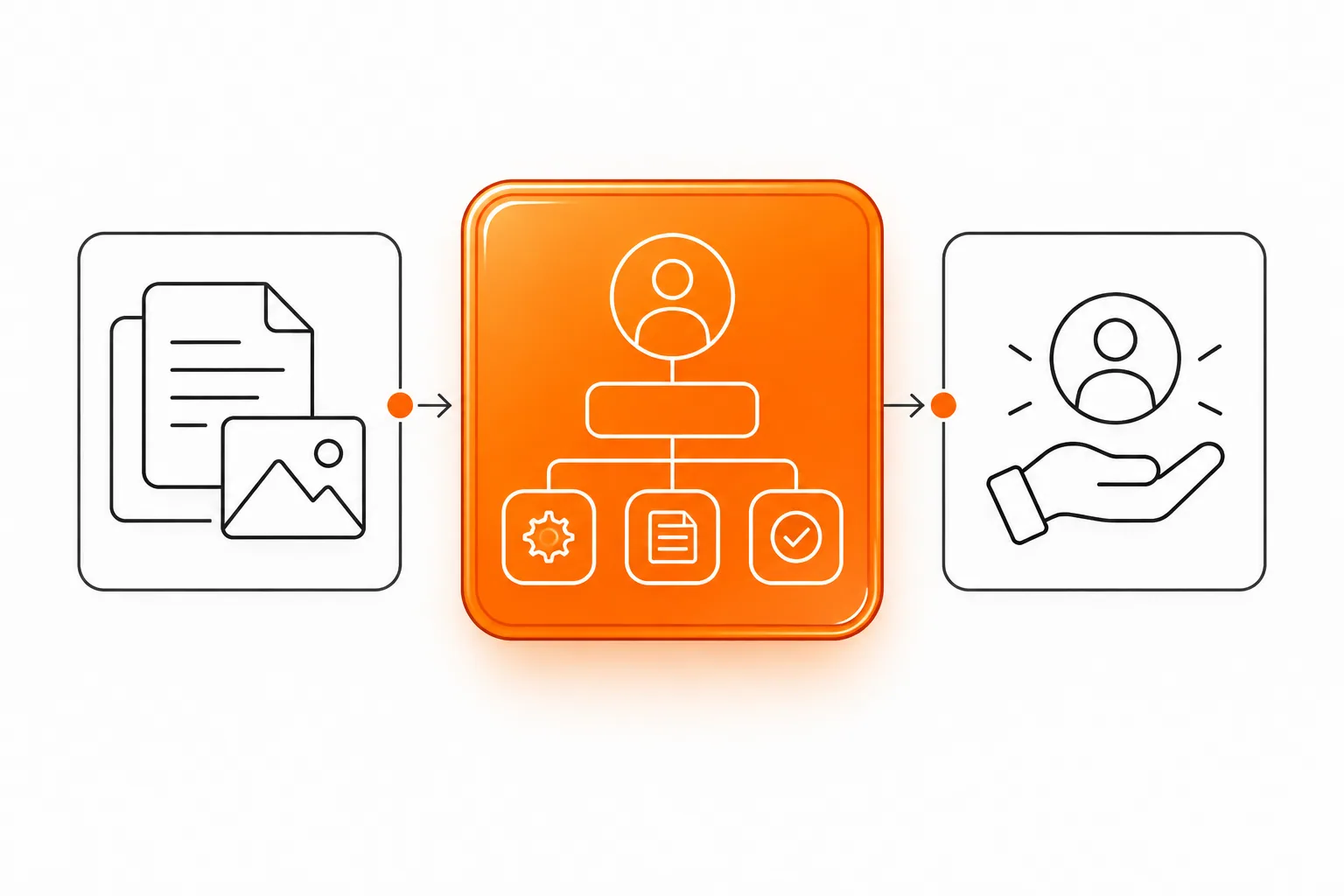
A qualification deck explains how another organization works with your team. Identify who supplies source material, reviews drafts, approves decisions and receives final files. State the communication route and where project decisions are recorded. These details help a partner assess whether your process fits theirs.
For each service, describe the handover in ordinary terms. Name the files, access or documentation included when the scope supports them. State where client responsibilities begin. A presentation should not imply ongoing support, software access or enterprise integration when the company does not offer those services.
Keep operational statements current. Assign an owner to review the team list, service slides and evidence before the deck goes to a new partner. Remove details that no longer match the current delivery process.
Worked example: a supplier review
Hypothetical example: Alder Field Services maintains equipment for independent food producers.
The eight slides could introduce the company, describe its services, map the request-to-handover process, assign responsibilities, show an approved work sample if available and list information needed for a partner review. Keep claims about repair speed or uptime out unless records support them.
End with the scope and open questions so the reviewer knows what to clarify in the next conversation.
Check slide titles, reading order and file handover
Give each slide a distinct, descriptive title. Microsoft’s PowerPoint accessibility guidance explains how slide titles help screen-reader users identify pages. The same titles help a reviewer scan the deck and return to a specific section.
Check the reading order of objects and add useful alternative text to meaningful images. Microsoft explains that the order shown to a screen reader may differ from the visible layout. Use the Accessibility Checker, then inspect the actual sequence. Do not rely on a checker alone to judge whether the story makes sense.
Before sharing, verify the PDF or presentation file on a phone and a laptop. Check links, legibility, image descriptions and speaker notes. Name the final version and state whether the reviewer receives an editable deck or a read-only file. The next decision should be clear: what information must the reviewer supply, and who owns the follow-up?
Common questions
How does a company presentation differ from a sales deck?
A company presentation helps a partner or supplier reviewer understand capabilities, scope, delivery and evidence. A sales deck builds an argument for a particular purchase. The audience and next decision should shape the outline.
How many services should the deck include?
Include the services relevant to the review. Give each one enough space for its inputs, outputs and boundaries. Remove inactive or unrelated offers instead of adding them to fill a slide count.
Do I need client results on every service slide?
No. Use an approved example when it helps the reviewer assess fit. If you lack verified results, explain the actual work and handover without inventing a metric or promise.
Sources and further reading
48HRS presentation design from $590
This is our starting price, not a market average. We agree your final scope and quote on the intro call.
See package scope and current offers