Website case study: show the project, context and work
A credible project page lets a buyer follow what the work involved. Use approved facts, explain the designer’s role, and leave unsupported claims out.
The key decisions
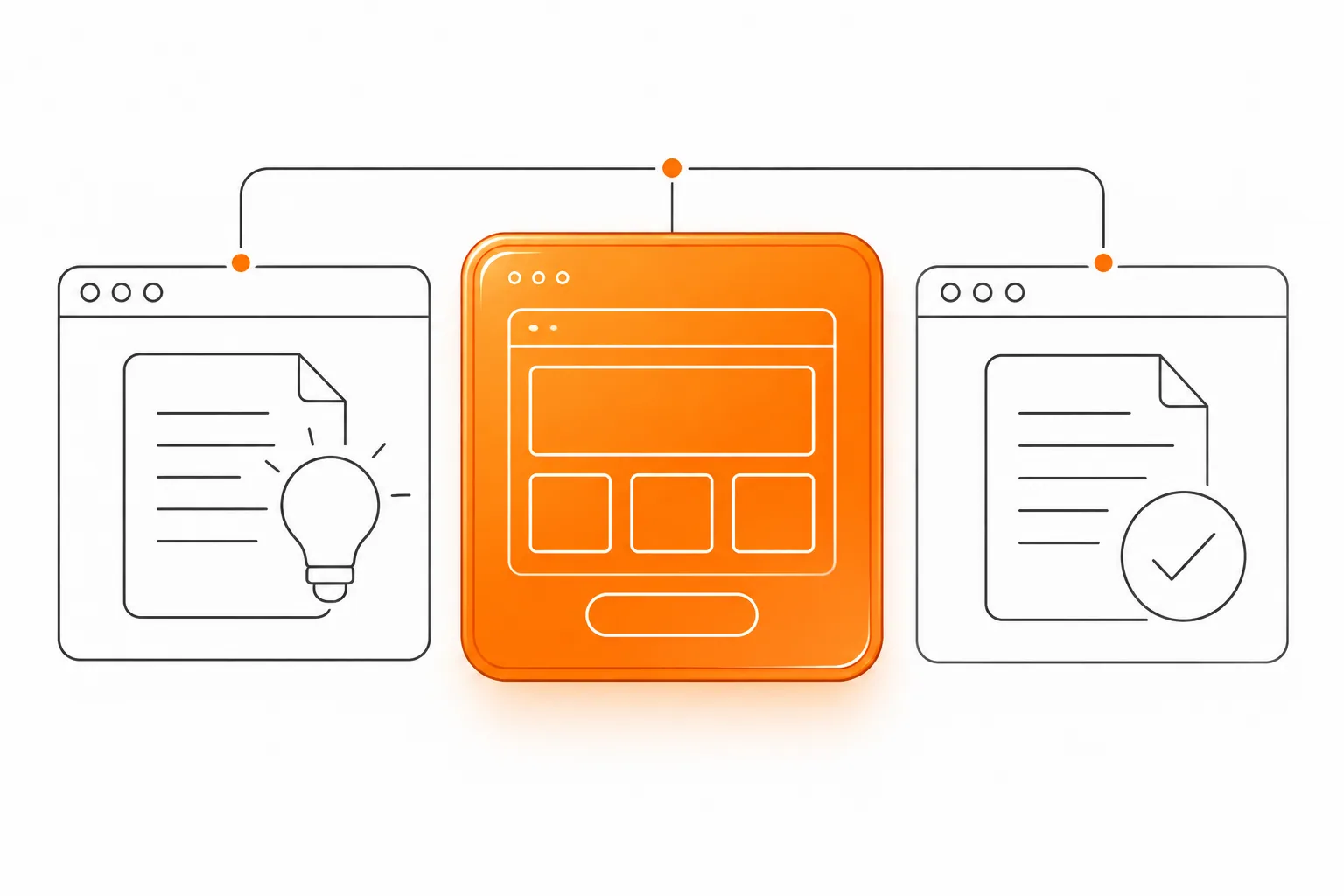
- Build the case around a real task, documented constraints and the work delivered.
- Keep every public claim tied to approved evidence and a named source.
- Label the worked example as hypothetical and include no invented client results.
Make the case page answer a buyer’s question
Pair each screenshot with the context a buyer needs. Explain the situation, task, constraints, decisions and delivered work so a prospective client can judge fit.
Keep a case study distinct from a testimonial. A testimonial records a client’s approved words. A case page describes a project with enough context for someone else to understand the work. A project gallery can show visual range. A case page adds the reasoning and evidence behind one selected example.
Google’s people-first content guidance asks whether a page serves an intended audience, reflects first-hand knowledge and gives readers useful information. Use those questions when editing the case page.
Collect approved facts before writing
Start with the people who know the project. Ask for the original request, audience, starting material, constraints, decisions and final deliverables. Record where each fact came from. Confirm the project name, dates, company description, photographs, quotations and any performance figures with the person responsible for approving them.
Separate observation from interpretation. “The client supplied product photographs” is a fact if the project record confirms it. “The new gallery increased trust” needs evidence from client feedback or research. Leave unsupported conclusions out.
Do not fill a gap with a plausible detail. Ask a follow-up question, remove the claim or mark the uncertainty in your working notes.
Use a short outline before drafting
The outline gives the writer a sequence and helps a reviewer find gaps. Keep only fields that help a buyer understand the task, the work or its fit. Google recommends clear content organization and descriptive links. Use the outline to keep the case page focused on details a buyer needs.
| Part | Question for the writer | Evidence to collect |
|---|---|---|
| Context | What kind of business and audience shaped the work? | Approved company description and intended audience |
| Task | What did the client ask the team to change or create? | Brief, meeting notes or approved project summary |
| Constraints | What limited or shaped the available choices? | Content, timing, access or production notes |
| Decisions | Which choices did the team make, and why? | Approved rationale, layouts or working records |
| Deliverables | What did the team finish and hand over? | Live page, files, assets and acceptance record |
| Evidence | Which claims and images are approved for publication? | Named approver, source, context and status |
| Next step | What related service or material would help the reader? | Relevant page or direct project contact route |
Show the role behind the finished page
Name the people or roles involved in the work. State whether the designer planned the structure, wrote copy, prepared illustrations, designed the page, implemented the site or coordinated another contributor. If the client supplied important material, say so. Buyers should not need to infer your contribution from a logo or image credit.
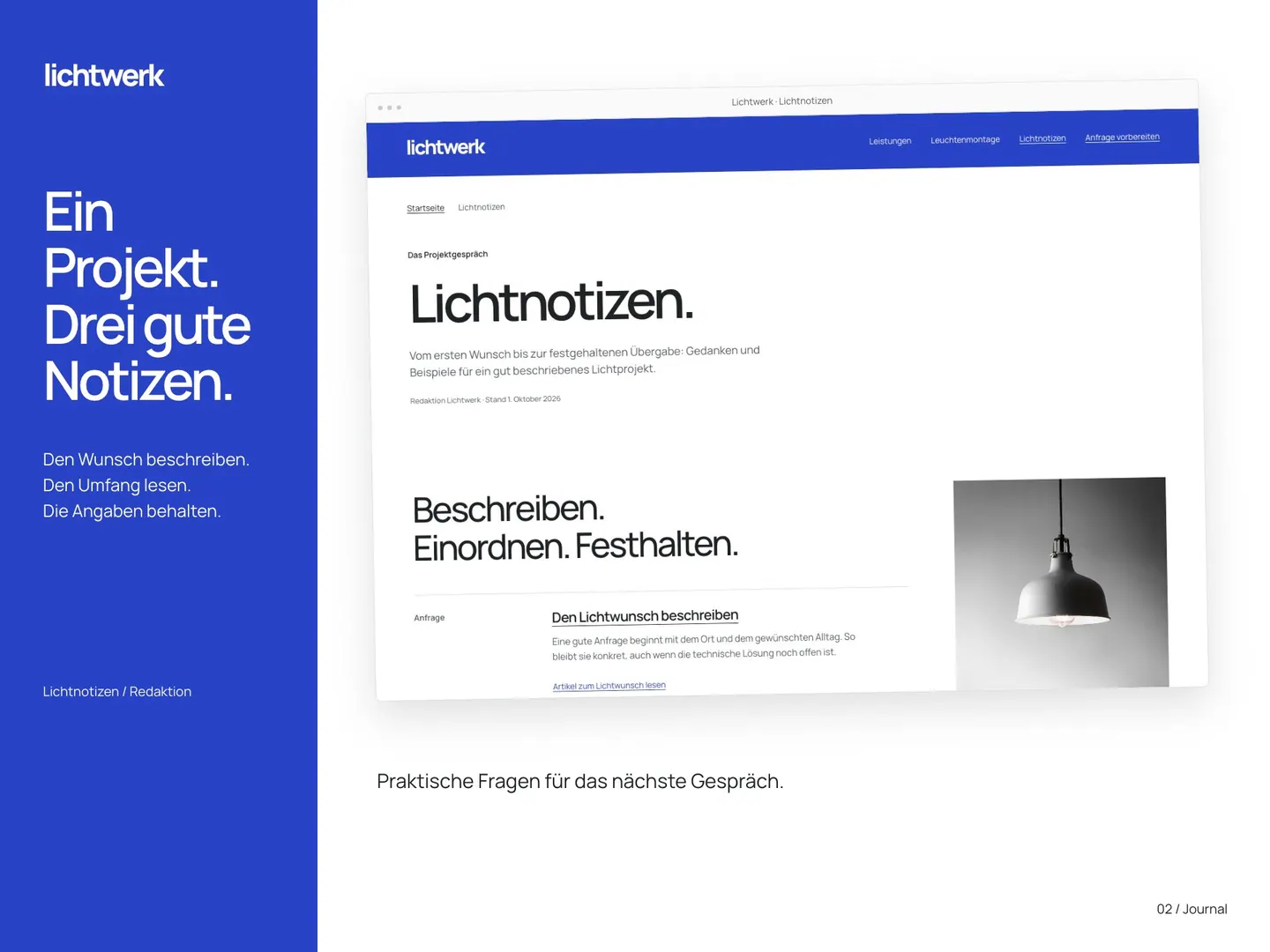
Show an approved live page or a labelled screen from the delivered work. Add a short caption that explains what the reader should inspect. A screenshot should match the delivered work. A concept, prototype or later redesign needs its own label. If the site changed after launch, describe which version the image shows.
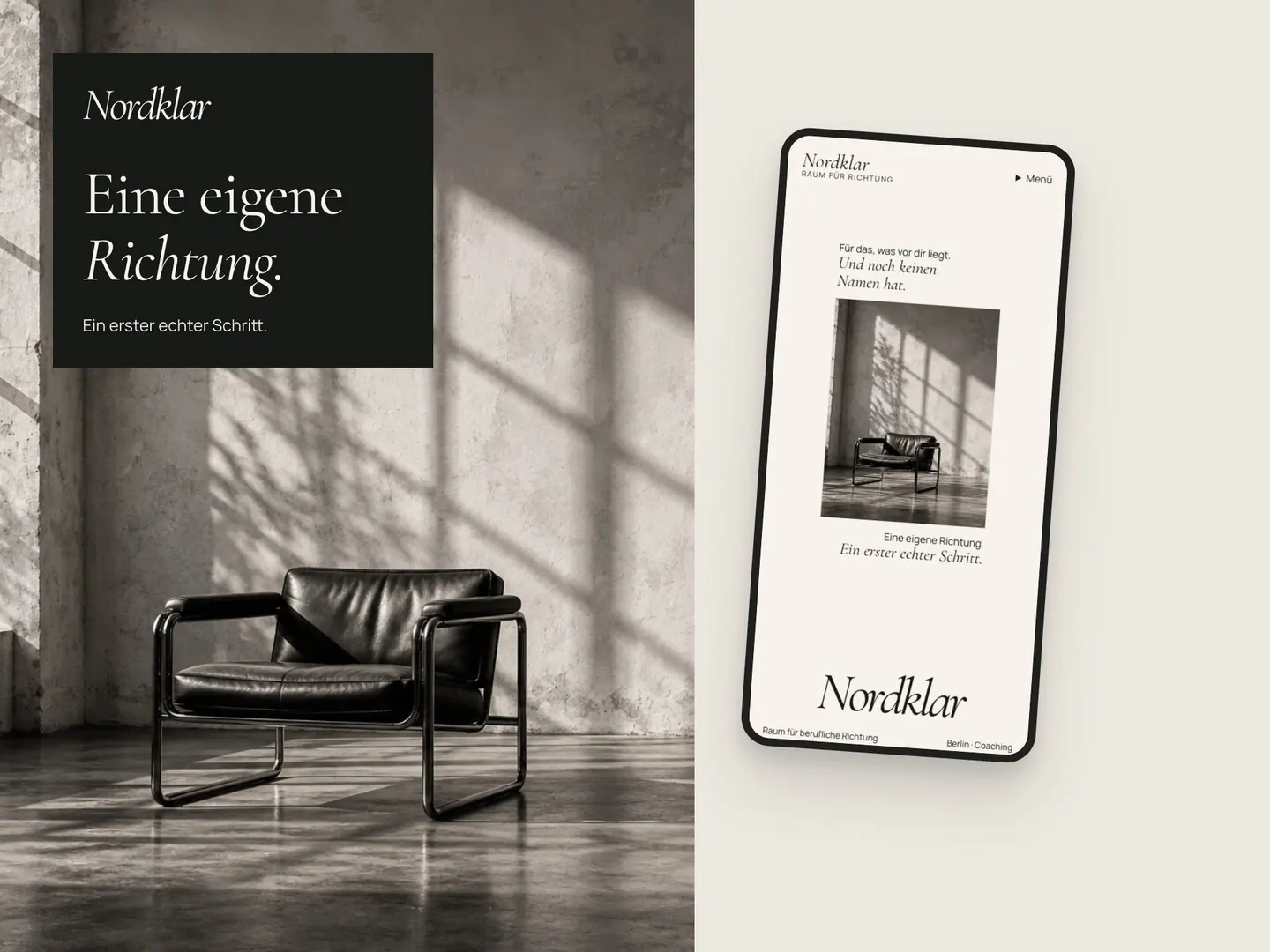
Place each photograph near the text it supports and write alternative text that describes its useful information. Google’s image guidance recommends relevant placement and descriptive alt text. Avoid repeating the same search phrase in every caption.
Keep a claim and evidence ledger
Review each sentence about results, client opinions, roles or deliverables. Record the evidence and its owner. For figures, include the source, period and limits. Remove claims no one can verify.
Before publication, ask the responsible person to approve any names, quotations, photographs or figures. Leave material out if approval or context is missing.
| Draft claim | Evidence and owner | Editorial action |
|---|---|---|
| The team mapped three service paths | Approved sitemap, project lead | Keep if the file matches the delivered work |
| The site improved enquiries | No verified record supplied | Remove the outcome claim |
| A named client recommends the work | Approved quotation and named approver | Publish only after approval for this use |
| The designer built the whole site | Role record shows design and copy only | Rewrite to name the actual contribution |
| The page uses a workshop photograph | Approved image and visible live page | Keep with a useful caption and alt text |
Worked example: a repair workshop
Hypothetical example: Harbour Cycle Repair is a small workshop serving local cyclists.
Context: a small repair workshop serves local cyclists. Task: distinguish routine servicing from a repair assessment. Constraint: the owner has a small set of phone photographs and limited time to review copy. Role: a designer organizes the service information, writes a page outline with the owner, designs a compact website and sets up an initial request route. Deliverables: approved pages, supplied image treatments, an editable design file and a short update guide.
Evidence ledger: link the service description to the approved page and the design and handover claims to the project file. Include performance claims only when records support them.
Write about the work in concrete terms
Replace “a seamless digital transformation” with a description of the actual work. State what the page shows, which visitor task it supports and what the designer handed over.
Keep the case page focused on one project. If a website is getting few enquiries, use the separate diagnosis guide. If you are choosing a designer, use the portfolio review rubric.
Link the case to the service it illustrates and to a small number of related examples. Use link text that describes the destination. Google’s link guidance recommends descriptive, relevant anchors, which help people understand where a link leads.
Use the enquiry diagnosis guide to investigate a quiet website.Review the portfolio rubric for a designer selection decision.
Finish with a factual review
Before publication, ask a reviewer who knows the project to check names, dates, roles, constraints and deliverables. Ask a separate reader to confirm the page makes sense without private project context. Check every link and make sure each photograph matches its caption. Remove comments, drafts and internal notes from the final copy.
Assign a review owner and keep the evidence ledger with the project record. Revisit the page when a live link changes or a claim no longer describes the delivered work.
Common questions
Does every website case study need metrics?
No. Explain the task, decisions, role and deliverables. Add a measured result only when a real record supports it and the context is clear. Do not invent a figure to make the page feel complete.
Should a case page name the client?
Use a client name only after the person responsible approves the case material. If naming is not approved, remove identifying details or leave the example out. Do not reconstruct a supposedly anonymous client from clues.
How long should a website case study be?
Give buyers enough detail to assess the task, process and deliverables. Cut background that adds no decision value.
Sources and further reading
48HRS website design from $1,790
For a one-page website. This is our starting price, not a market average. We agree your final scope and quote on the intro call.
See package scope and current offers