Choose a web designer by reviewing the portfolio and process
A polished screenshot tells you little about the work behind it. Review live pages, ask who made which decisions, and use one rubric for every candidate.
The key decisions
- Compare work against your project requirements.
- Ask for each person’s role, project context, live page and handover details.
- Use the rubric to record evidence and open questions.
Define the work you need to review
Start with one buyer task. A visitor might need to understand a repair service, compare two offers, view project work or send a first request. Write down what the website should help this visitor do. Use the note to compare candidates. Build the full brief after choosing a designer.
Choose two or three requirements for every portfolio, such as a clear service explanation, a useful phone layout and a working next step. A campaign page for another audience may show visual skill, but compare it against the same project requirements.
Use the website brief guide to organize your project inputs.
Ask who did the work and what the project required
A portfolio entry should explain the business situation, intended audience, requested work and designer’s role. Ask which parts the designer handled: research, structure, writing, art direction, interface design, implementation or coordination. On a team project, ask which people completed each part. A studio-wide credit does not show who will own your project.
Look for decisions you can follow. Why did the page put one service before another? What information did the team leave out? Which constraint shaped the layout? A short explanation of the reasoning gives you more to assess than a gallery of finished screens. If the work came from a concept exercise, ask for that label to stay clear.
Google’s hiring guide is about SEO specialists, not web designers. It suggests reviewing previous work, relevant experience and expected results. Use those questions as prompts, then assess the designer’s work against your own brief.
Open the published site and use a phone
When a portfolio includes a live link, open the actual page on a desktop and a phone. Follow a task your customers perform. Find the service, understand what is included, locate the next step and try the main interaction. A screenshot shows one view. A live page lets you inspect links, text, navigation and form behavior.
Check whether the phone layout keeps the same meaning as the desktop page. Read the headings in order. Look for clipped text, controls hidden behind overlays, awkwardly cropped photos and forms that are hard to complete. Note the device and page you reviewed. Do not present one casual check as a complete accessibility or technical audit.
If a live project is confidential or no longer online, ask for an approved walkthrough or contextualized screens. The designer should still explain the audience, constraints, their contribution and the work delivered. Unexplained mockups leave those points open.
Look for choices that help the visitor decide
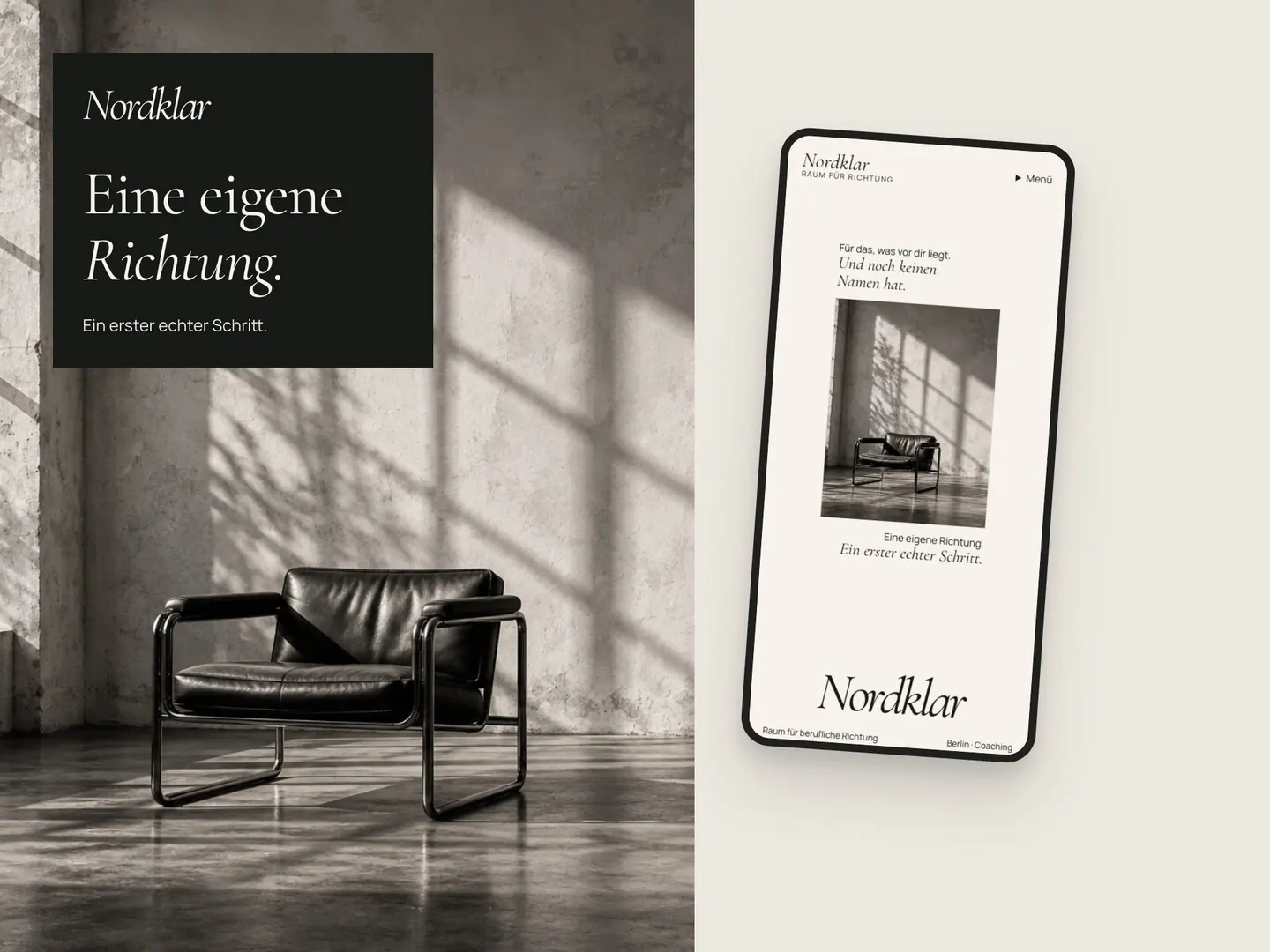
Check whether the visible choices support the visitor’s task. Does the first screen say who the service suits? Do photographs show the setting or work? Does the page explain what happens before contact? Do links tell readers what comes next? Use these observations to judge the work against your project.
Google recommends useful, people-first content and descriptive link text. Apply those checks to the published site, then judge design choices against the visitor task you wrote down.
Review how the designer adapts typography and color to different audiences. Ask which choices came from the client, audience, material or brief. This shows whether the designer can explain choices beyond a personal style.
Inspect the working method and final handover
Ask how the designer gathers content, presents an early direction, records feedback and handles approvals. Find out who supplies text and images, who checks factual claims and who makes the final decision. A workable process names an owner for each task.
Use your project brief to decide what you need at handover. Depending on scope, this might include published pages, editable design files, supplied images, access details, an update guide and support boundaries. Ask who owns each account and where credentials will live. Record the agreed items in your project file.
Ask who will attend reviews, answer questions and remain responsible after launch. If the portfolio belongs to an agency, check whether the person you meet will make the design decisions.
Use the same review sheet for every candidate
Record what you observed and what remains unknown. Use the same requirements for each candidate, then add a note or link so another person on your team can follow your reasoning.
Write “not shown” when a portfolio leaves a question open. Ask for a relevant example before deciding whether the candidate fits.
| Review point | Evidence to record | Follow-up if unclear |
|---|---|---|
| Role | Named tasks owned by the designer or team member | Who will own those tasks on my project? |
| Context | Audience, project need and meaningful constraints | What shaped the structure or content? |
| Actual work | Live URL or an explained, approved walkthrough | Which screens or interactions were delivered? |
| Mobile use | A phone review of the same visitor task | How was content order handled at a narrow width? |
| Reasoning | A decision tied to a buyer need or supplied material | What alternative did the team consider? |
| Handover | Files, access, update guidance and support owner | What does the agreed handover include? |
Compare two hypothetical portfolios
Hypothetical example: A two-person bicycle repair shop needs visitors to distinguish routine servicing from a repair assessment, then send a useful first message.
Candidate A shows a desktop home page for a large retailer. The designer explains their role and art direction, but the portfolio includes no service page or phone view. Candidate B links to a live repair business site, explains its page structure and describes a phone review. The handover is unclear. Ask A for a relevant service-page example and ask B what files and access the client received.
This task turns broad impressions into questions you can resolve. The website case-study guide offers a matching way to review project context and evidence.
Review how a project case page separates work, context and evidence.
Use the first conversation to close evidence gaps
Bring the review sheet and ask about the gaps that matter to your work. Who will do the design and implementation? How will the team test the page on a phone? What happens when required content arrives late? Which assets and access details will be returned at the end? Ask for specific examples of past process, while keeping confidential client information out of the discussion.
A useful answer names an owner, gives an example and states the service boundary. If you need marketing management, ongoing search work or a large internal system, ask whether those services are in scope.
Finish by writing what you learned, what remains open and who will answer each open question. Then compare the candidates against your original visitor task. The strongest fit is the one whose actual work, named role and working method support the project you need to commission.
Common questions
How many portfolio projects should I review?
There is no useful universal count. Review enough work to find a relevant example and understand the designer’s role, reasoning and handover. A detailed, comparable project tells you more than a long gallery without context.
Should a web designer show only live websites?
Live pages let you inspect current behavior. Confidential or retired work might need an approved walkthrough. Ask for context and the designer’s contribution, and keep concept work distinct from published client work.
Does a portfolio prove that a new site will perform well?
No. A portfolio shows selected past work and the designer’s account of their role. It does not predict your traffic, sales or enquiries. Judge the evidence for the project process and deliverables you need.
Sources and further reading
48HRS website design from $1,790
For a one-page website. This is our starting price, not a market average. We agree your final scope and quote on the intro call.
See package scope and current offers