Write homepage copy that states the offer clearly
A useful homepage says who the business serves, what it offers and where different visitors should go next. Use confirmed proof and route buyers to useful details.
The key decisions
- Use the first screen to identify the business, offer and next step.
- Support claims with approved proof rather than invented numbers.
- Route different buyers to relevant service explanations.
Give the first screen a clear orientation job
A home page should help a first-time visitor answer three questions quickly: who is this business for, what does the business offer, and what is a sensible next step? The first screen does not need to explain every detail. It needs to establish a useful direction and give a visitor a route to the fuller explanation.
Write the first screen in four parts: a specific headline, one sentence of context, a primary action and a secondary route when the offer serves different buyers. Keep the action honest. “Ask about your project” describes a conversation. “Get your free plan” promises a deliverable and a price condition. Use the second only when the business truly provides it.
Avoid using a slogan as the only headline. A phrase such as “Better ideas, built together” may express a point of view, but it does not name the buyer, offer or situation. Keep a brand line as supporting language if useful. Put the practical description where visitors see it first.
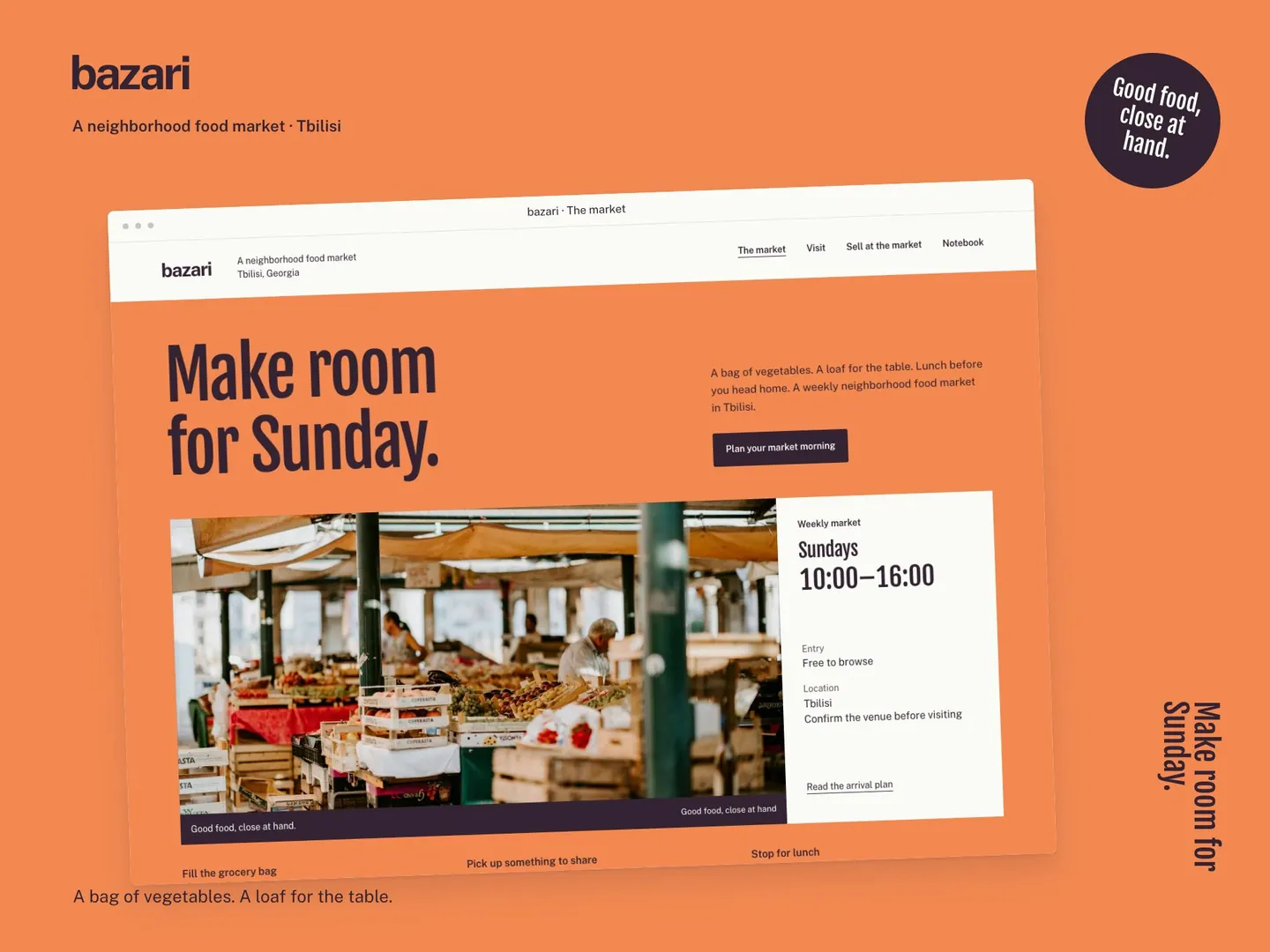
Write a headline from the buyer’s point of view
Use a simple working formula: service or product, intended buyer, and useful context. A headline does not need all three parts in every case. Choose the details that distinguish the real offer. Name the type of work rather than a broad benefit. Add a service area only when the business serves a defined area and wants to state it publicly.
Check whether the headline still makes sense on its own. If a visitor must decode a metaphor, read the logo, or scan three sections to learn the offer, rewrite the line. Google recommends descriptive, concise page titles. Keep the visible headline equally clear about the offer and the next useful step.
Ask a buyer or colleague to describe the service after one read. Note what stayed unclear, then revise the line against the real offer. Avoid claims and guarantees without evidence.
Example one: replace a broad promise with a named service
The business and all copy below are fictional. “Eastline Cycle Care” serves commuters and families who need routine bicycle maintenance.
Before: “Ride better, every day.” This line is short, but a visitor cannot tell whether Eastline sells bicycles, runs a club, repairs equipment or teaches riding. It names a desired feeling without identifying the work.
After: “Bicycle servicing for commuters and family bikes, with repair options explained before work begins.” The sentence names a service, two customer situations and one process detail. A supporting line might state the actual service area and what information helps the team respond. The business must verify both details before publication.
A suitable primary action might read “Ask about a repair.” A secondary link might read “See servicing options.” The first starts a conversation. The second opens more detail. If Eastline offers a narrower service, name it in the headline.
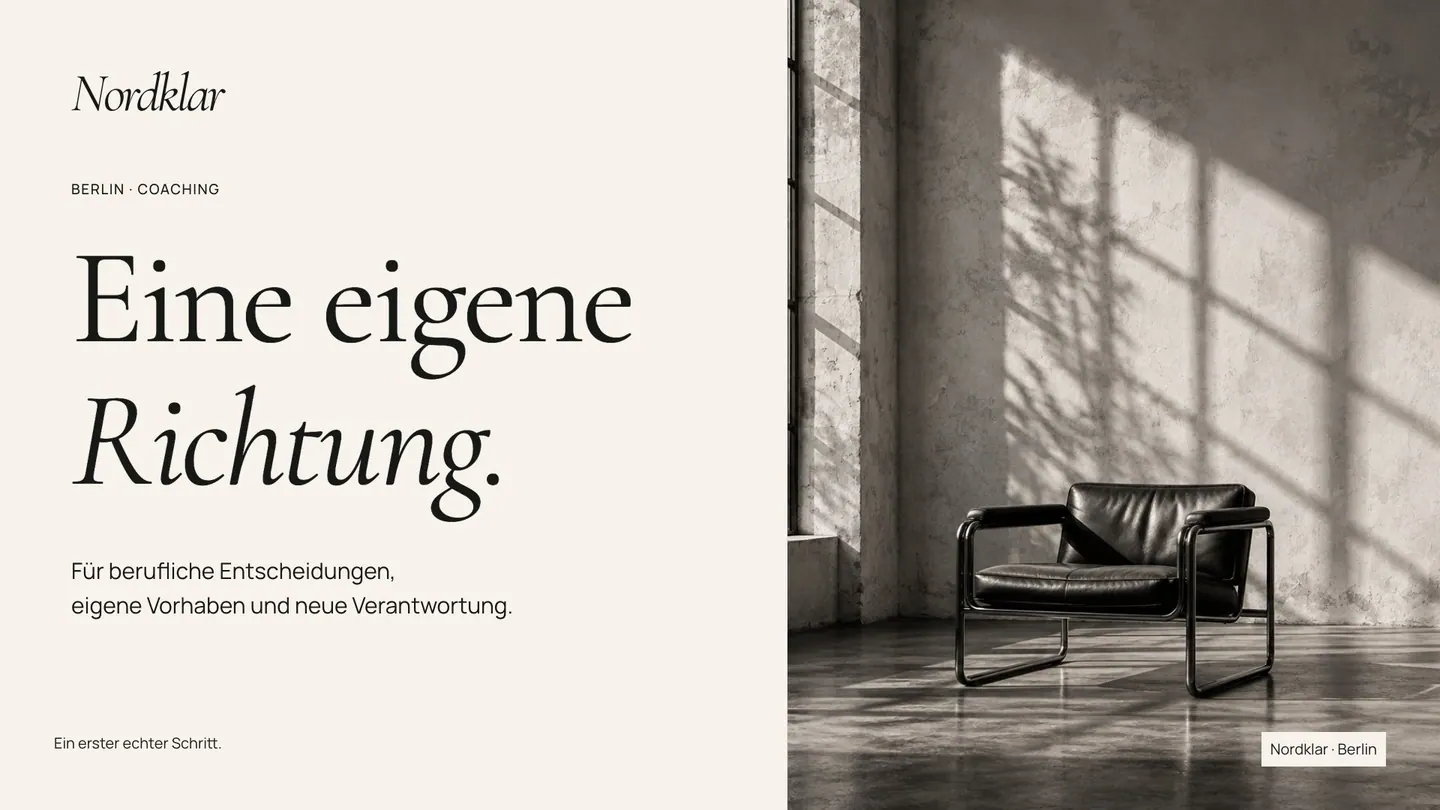
Example two: name the buyer and the project stage
This second example is also fictional. “Marlow Room Studio” offers interior planning to homeowners and small hospitality operators, from early layouts through material choices. Use claims about awards, completed work or customer feedback only when the business has evidence and permission to publish them.
Before: “Spaces made for living.” The sentence could belong to a furniture shop, property developer or design service. The intended buyers and the actual work remain unclear.
After: “Interior planning for homeowners and small hospitality teams, from room layout to material choices.” The line names both buyer groups and sets a boundary around the service. If Marlow also manages construction, the business should state the scope and who does the work.
A short explanation could route visitors with distinct questions: “Planning a home? See residential services.” and “Preparing a guest space? Review hospitality projects.” Use these routes only if the business has accurate pages and approved examples for each. A label should not lead to a thin page created to fill a menu.
Route different buyers without writing two home pages
When a business serves more than one buyer group, identify the shared offer and the point where needs diverge. A home page can introduce the common work, then present two concise routes. Each route should lead to a page with distinct details, examples or requirements. Do not ask every visitor to infer which service applies from a list of internal terms.
Make the route labels concrete. “For homeowners” and “For hospitality teams” work when the linked pages use those terms consistently. More descriptive labels such as “Plan a home renovation” or “Prepare a guest room” give visitors an action and context. Keep the labels short enough for a mobile menu and the first screen.
State shared facts once. Then explain real differences in process, requirements, evidence or next step. Do not create a route for an unconfirmed offer or a service that is not ready.
Place proof beside the promise it supports
Proof should help a visitor assess a claim. A qualification supports a statement about training. A documented project supports a statement about relevant work. A customer quote supports a specific experience when the speaker approved the words and attribution. Put the evidence near the claim so the connection stays visible.
Do not replace evidence with a large number. A figure such as “trusted by 500 clients” needs a source, a time period and a clear definition of a client. If the business has no verified figure, remove the number. Use a project photograph with context, a clearly stated process, an approved credential or a short explanation of who performs the work.
Make limitations clear. A studio study, concept image or fictional example must not appear as proof of completed client work. A preview can still show visual direction, but label its status. Google recommends original, useful information and warns creators against copied or ranking-first pages. Your homepage should add business-specific details readers can verify, not rehearse generic praise.
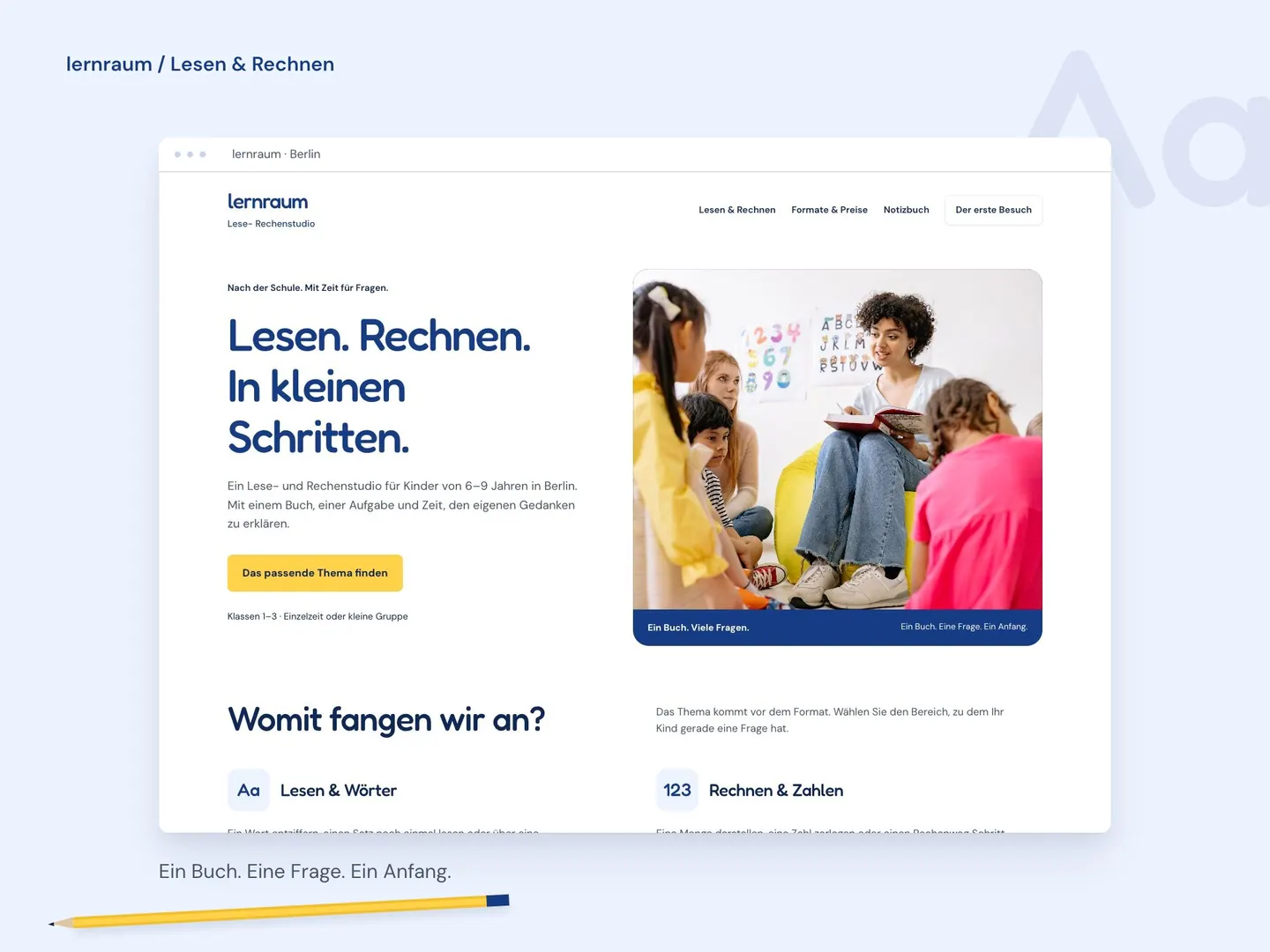
Give the rest of the page a simple reading order
After the opening, use a sequence that follows buyer questions. Introduce the main services, explain how a first project proceeds, show relevant proof, answer practical questions and repeat an appropriate next step. The order should follow the needs of the actual audience. Do not add a section merely because another studio uses one.
Keep each section on one topic. Link to the service page when a process needs more detail. The homepage summary should orient visitors and signal what the next page covers. A separate service page copy guide covers the full explanation.
Use headings as signposts. “How a first project proceeds” describes the content more clearly than “Our approach.” Make links specific so visitors know what the next page covers.
Explain the scope, process and requirements on a service page
Review the page with a short buyer test
Read the first screen without explaining it aloud. Ask a person unfamiliar with the business what is offered, who the service appears to suit and which action they would choose. Do not coach them through the answer. If their response differs from the intended offer, revise the words or route labels before changing the visual design.
Check every proof item with its owner. Record the source, approval and date for each credential, quote, number or project description. Replace claims with specific process information when evidence is missing. This protects the business from publishing a statement the team cannot support.
If the contact route is unclear, use the website enquiries diagnosis guide. For project goals, materials and responsibilities, use the website briefing checklist.
- The headline names a service and suitable buyer.
- The supporting line states scope, area or a verified process detail.
- The primary action leads to a working next step.
- Each buyer route leads to a page with a distinct useful answer.
- Every proof item has a source, approval status and owner.
- Remove unsupported claims and label hypothetical examples.
Inspect the route from a visitor’s question to a usable enquiryPrepare goals, materials and responsibilities before a website project
Approve the message before expanding the page
The next decision is whether the first screen, proof and buyer routes accurately describe the current offer. Confirm each sentence with the person who owns the service. Confirm each example with the person responsible for permissions. Then check the page on a phone and follow every route to its destination.
If a section lacks facts or approved material, record the open item and its owner. Do not fill the gap with a generic promise. A shorter page with a clear offer and working routes is easier to review than a long page built from assumptions. Add detail when the business has a distinct answer a visitor needs.
Use the examples to draft a headline that names the service and its audience. The finished page should pair a confirmed offer with relevant proof and routes to useful details.
Common questions
What should a small business homepage say first?
Name the business’s main offer, the buyer or situation it serves, and a realistic next action. Use the first screen to orient people, then route them to details that need more space.
How many calls to action should the first screen have?
Use one primary action. Add a second route when a different buyer needs a distinct explanation. Make both labels specific and connect them to pages that answer the expected question.
What if the business has no testimonials or results to show?
Do not invent them. Explain the process, show approved work with context, list verified qualifications, or state what the buyer should expect from the first conversation.
Sources and further reading
48HRS website design from $1,790
For a one-page website. This is our starting price, not a market average. We agree your final scope and quote on the intro call.
See package scope and current offers