Plan a small business website around customer questions
A page plan should explain what each page helps a buyer decide. Use this worked three-service example to name page purposes, links and next steps before design begins.
The key decisions
- Give every page one buyer question and one clear purpose.
- Connect related pages with useful labels and a sensible next action.
- Keep the first site map tied to information your team can maintain.
Start with questions buyers ask before they contact you
A website structure is a set of routes through useful information. Begin with the questions a prospective customer needs answered, not a list of departments or a menu copied from another business. Ask what someone needs to understand before choosing a service, what would make the work a poor fit, and what practical detail affects the first conversation.
Collect wording from real calls, emails and enquiries. Group similar questions by service or decision. Do not turn every phrase into a separate page. A question belongs in a page plan when the answer needs enough detail to stand on its own, when visitors need a direct route to it, or when the answer supports a different next step.
Keep examples and assumptions separate. If you have not heard a question from a customer, mark it as an open hypothesis. A small team does not need formal research software to do this. A shared note with the question, its source and the person who will confirm the answer is enough for a first planning pass.
Give each proposed page a specific job
Write a short purpose statement for every page. A useful statement names the intended reader, the question the page answers and what the reader should know or do next. “Explain our business” is too broad. “Help a property owner decide whether a kitchen refresh fits the room, budget and timing” gives a writer and designer something to work with.
A page may support several related questions, but one must lead. Use the purpose statement to choose the main heading, evidence and action. If a draft needs three unrelated introductions, split the assignment or choose one primary reader. Do not create another page simply because one section feels long. First check whether the page follows one decision from question to answer.
Treat the purpose as a review tool. When a paragraph adds no answer, evidence or next step, remove it or move it to the page where the information belongs. This stops a site map from turning into a storage list for every internal fact about the business.

Worked example: a three-service home improvement business
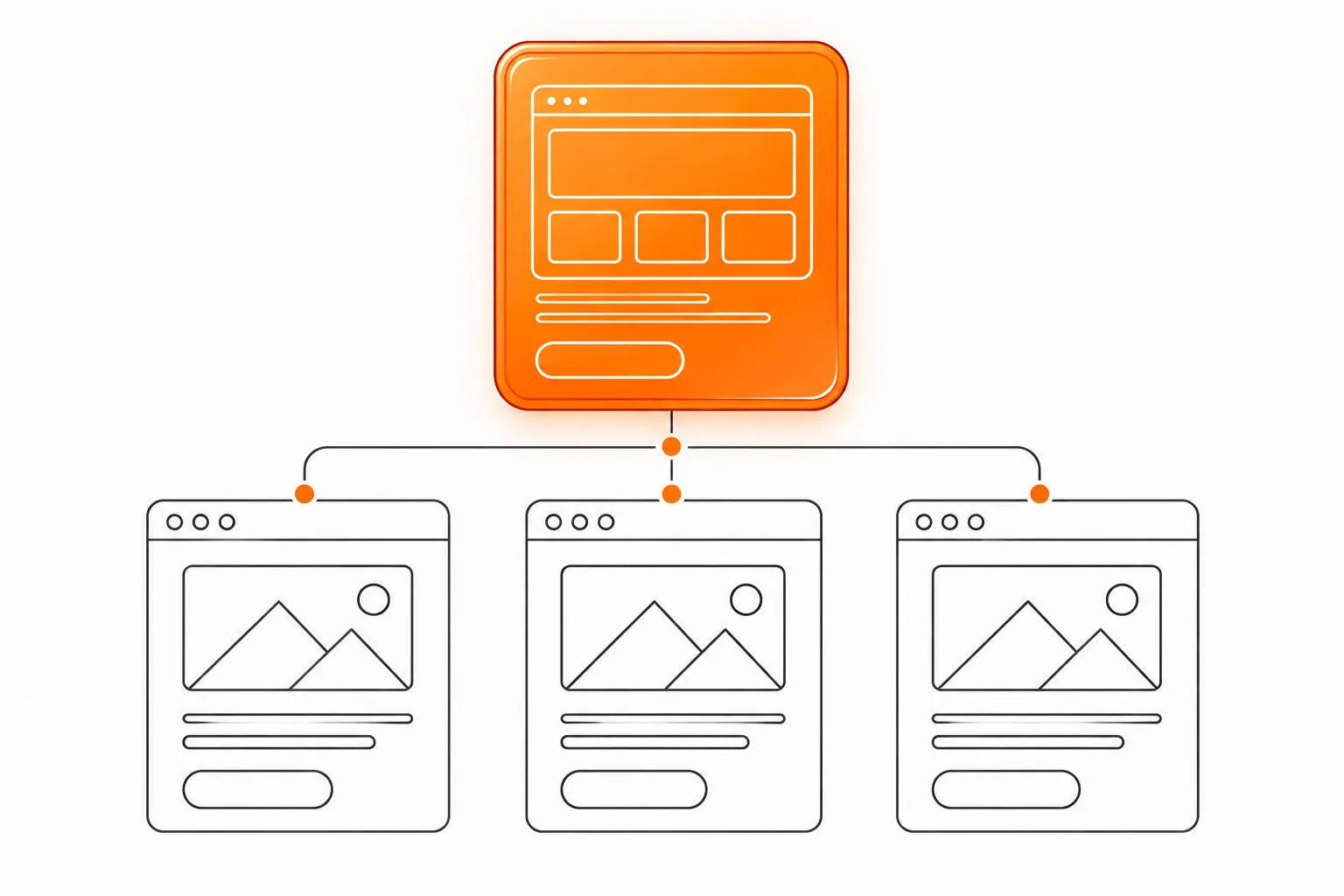
The example below is hypothetical. “Northline Home Works” offers kitchen updates, bathroom improvements and accessibility adaptations. The team wants buyers to understand the work before asking for an estimate. This map assigns a purpose and a route to each page. The names and service details are planning examples, not claims about a real business.
The map gives the home page an orientation job. Each service page handles its own scope and fit. A process page explains shared steps. Work examples show approved, relevant projects. Contact collects the details needed to begin a useful conversation. If the owner lacks content for a proposed page, the team should record that gap before commissioning the page.
| Page | Buyer question | Page purpose | Next step |
|---|---|---|---|
| Home | Which kind of home project does this team handle? | Introduce the business and route visitors to three distinct services. | Choose a service or view the shared process. |
| Kitchen updates | What work belongs in a kitchen update? | Define included work, constraints, planning inputs and fit. | Review the process or ask about a kitchen project. |
| Bathroom improvements | What changes are in scope, and what needs a site visit? | Explain the service boundaries and information needed for an initial discussion. | Prepare room details for a conversation. |
| Accessibility adaptations | Which adjustments suit the household and property? | Describe the assessment and explain where individual advice is required. | Request a conversation about the specific home. |
| How the work proceeds | What happens after the first message? | Set out shared steps, responsibilities and decision points. | Gather the items needed for an initial review. |
| Selected work | What kinds of projects has the team documented? | Show approved examples with context, scope and clear image descriptions. | Open the related service page. |
| Contact | What information helps the team respond? | Set expectations for the first message and provide working contact routes. | Send the relevant project details. |
Plan links as part of the route, not as decoration
A page plan should show how visitors move between related answers. The home page points to the three services. Each service page links to the shared process and to examples from the same kind of work. The process page links back to the service pages where requirements differ. Contact stays available without becoming the only action on every page.
Use link labels that describe the destination. “See the bathroom improvement process” sets a clearer expectation than “Learn more.” A visitor should understand the link without guessing from a repeated button label. Google’s link guidance also recommends descriptive anchor text and crawlable links. Apply the advice as a usability check, not as a promise of search visibility.
Record links before navigation is built. This catches orphan pages and repeated routes early. The website briefing checklist covers project goals and responsibilities. A separate relaunch guide covers old URLs and new destinations.
Prepare a website brief around buyer questions and project responsibilitiesPlan a relaunch while preserving useful pages and routes
Decide what evidence and input each page needs
A page purpose is only useful when the business has material to support the answer. List the facts, images, decisions and approvals required for each page. For the kitchen page, that might include what the service includes, which choices the homeowner makes, what information the team needs and which project photos have permission for publication. Do not ask a writer to turn missing facts into confident copy.
Assign one owner to each item. Mark the item ready, needs confirmation or unavailable. Name who checks technical details and who approves customer-facing wording. If a photograph has no confirmed permission, leave it out. If a service boundary is unsettled, show the page as a draft until the business decides. A page count does not resolve an unresolved offer.
Separate shared facts from service-specific detail. Opening hours, contact routes and the general working area belong in common page elements. Eligibility, preparation and scope belong on the relevant service page. This prevents visitors from searching one long company introduction for the detail they need to assess a single service.
Read the plan on a phone-sized screen
Review the planned route on a narrow screen. Start at Home and try to reach a specific service, its requirements and the next step. Note how many decisions each menu asks for and whether labels still make sense out of context. Use what you find to revise the map before design begins.
Give important information a direct route. A visitor checking whether a service covers their situation should not need to read three unrelated project stories first. At the same time, do not hide a useful explanation behind a vague label such as “Solutions.” Choose a name customers use or a concise description that matches the content.
Ask someone outside the project to find one answer in the map. Give them a concrete task, such as locating what information to prepare before discussing a bathroom project. If they choose the wrong path, revise the labels or links before page production begins.
Use this worksheet before approving the page plan
Review each row with the people who own the offer and the content. A blank answer is a decision to make, not a reason to fill the space with generic copy. Keep the worksheet short enough for the team to use during a real planning meeting. Expand a row only when a specific service requires a different answer.
- Combine rows when the questions and evidence belong together.
- Separate a topic when buyers need a distinct explanation or next step.
- Mark assumptions openly and give each one a person who will confirm it.
| Check | Write down |
|---|---|
| Reader | The buyer or visitor who needs this answer. |
| Question | The question in customer language. |
| Purpose | What the page helps the reader understand or decide. |
| Support | Facts, approved examples, images or documents needed. |
| Next step | A realistic action connected to the page content. |
| Links | Where visitors arrive from and where a useful next route leads. |
| Owner | The person who confirms and maintains the information. |
Approve the map before commissioning page copy
Check that every page has a purpose, approved information and an owner. Ask the designer or writer to walk one buyer route from home to service to contact. Revise gaps and repeated answers.
Record open questions separately from the approved plan. The one-page versus multi-page decision sits outside this article. For help choosing a format, read the guide to choosing a one-page or multi-page website.
Approve the map when each page has a defined purpose, an owner, supporting material and a direct route to the next step.
Compare a one-page site with a multi-page site for your buyer tasks
Common questions
How many pages should a three-service business plan?
Start with one purpose statement per proposed page, then group answers that belong together. The number follows the questions, detail and maintenance capacity. The map above illustrates one possible arrangement, not a rule for every business.
Does every service need its own page?
A separate page helps when buyers need distinct scope, evidence, requirements or next steps. If the answer is brief and belongs in a shared explanation, a separate page adds another destination to maintain without giving visitors a new decision route.
Should the site map follow search keywords?
Use real buyer questions to plan useful pages. Google advises clear organization and useful content, but its documentation gives no formula for a page count. Do not create thin pages to repeat a phrase or imply a ranking outcome.
Sources and further reading
48HRS website design from $1,790
For a one-page website. This is our starting price, not a market average. We agree your final scope and quote on the intro call.
See package scope and current offers