Plan a website relaunch: protect pages, URLs and enquiry paths
A redesign can change every screen without losing the pages and contact routes people already use. Build a URL map, assign each decision, and check it before and after launch.
The key decisions
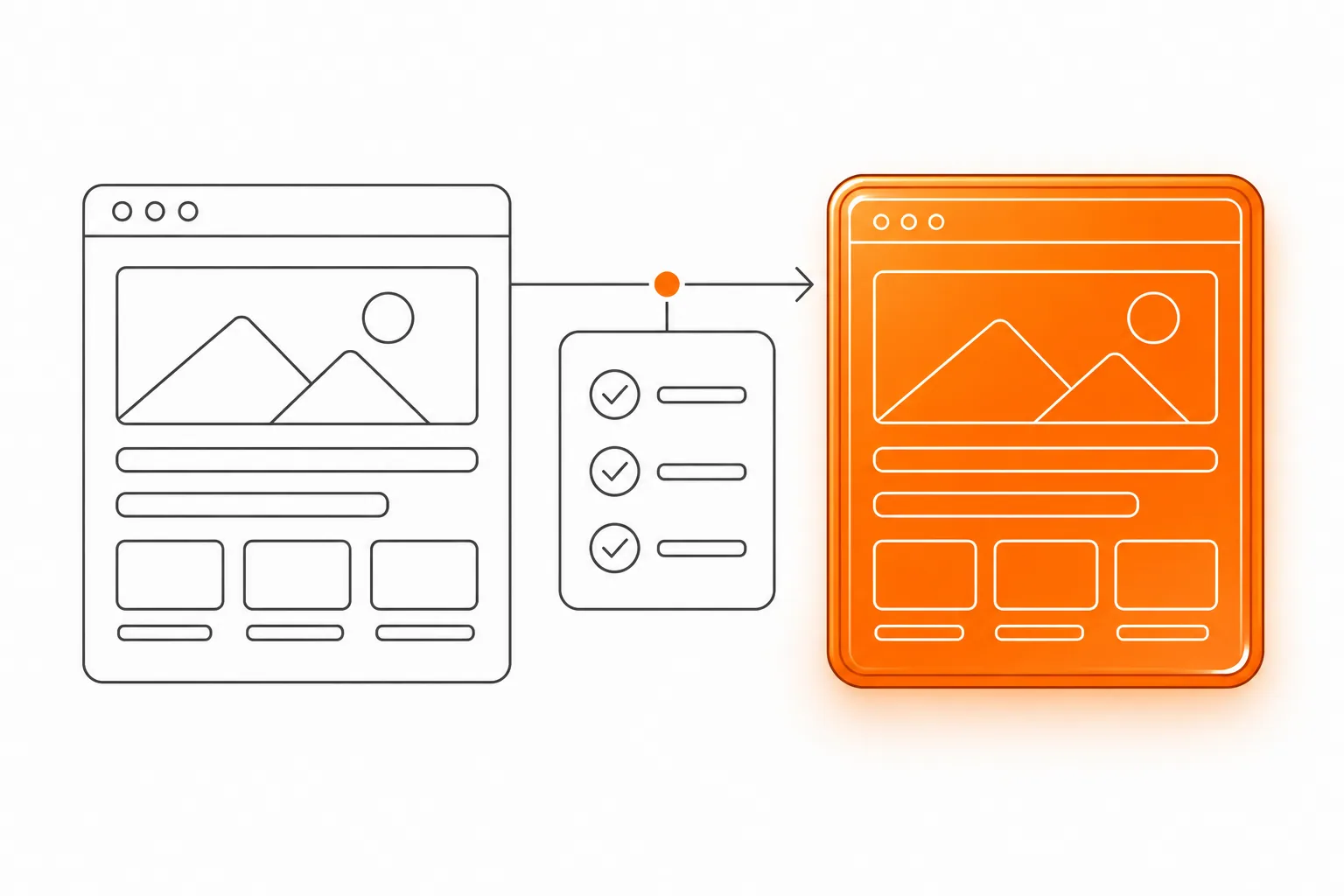
- Inventory the live URLs before anyone removes or renames pages.
- Give every old URL a recorded decision and, when relevant, one direct destination.
- Test important enquiry paths before launch and repeat the checks on the live site.
Decide what the old site still needs to do
A website relaunch can change the layout, page structure, content system and URLs at the same time. First decide which existing pages and visitor routes still matter, then map them deliberately to the new site. Pricing and the initial project brief answer separate questions.
Start with the jobs the current site supports. A service page might explain whether a repair is offered. A project page might help a buyer judge whether the work fits. A contact page might carry the only working form. Record the task and the people who rely on each page before you judge its design or traffic.
Do not assume a new navigation menu replaces an old page. A URL might be bookmarked, linked from a partner, printed on a brochure, or saved in an email. Your first deliverable is a list of old addresses and a reasoned decision for each one, not a redesigned sitemap alone.
prepare the project brief after the migration questions are clearaudit the content before assigning new destinations
Build one inventory from the old site
Google Search Central recommends preparing a mapping from current URLs to their new counterparts. Build the old URL list from more than one place: export the pages from your content system, inspect the sitemap, crawl the live site, and review Search Console or server logs if you have access. Add PDFs, booking links, campaign pages, and pages linked from printed material when they still serve a purpose.
Keep one row per full URL. Do not write “all service pages” in one row. Different pages can deserve different decisions, and a single broad rule often sends visitors to the wrong destination. Record a short note on the page’s audience or task, plus any evidence that helps the reviewer understand why it is still used.
The worksheet below is a working document. Add an owner and a test result as the work progresses. A blank destination is an unresolved decision, not permission to send every old address to the homepage.
Include alternate versions that people may still use, such as an old file download, campaign URL, or address with a different path ending. Remove duplicate rows only after confirming they resolve to the same page and carry no distinct visitor task. A complete list gives the team one place to review and test each old route.
| Old URL | Visitor task or evidence | Decision and new URL | Owner and test result |
|---|---|---|---|
| Copy one complete address per row | Who uses this page, and what do they need? | Keep, merge, redirect, or retire. Add the final URL. | Name the reviewer, then record the result. |

Choose a specific action for every old page
Keep a page when its job and information remain useful. The URL might stay the same, or it might move to a clearly equivalent address. Either way, update links on the new site so visitors do not have to pass through an old route to reach current information.
Merge pages when they answer the same buyer question and one stronger page can carry the useful material. Map each old address to the relevant section or final page. Do not merge distinct services merely to shorten the menu. A visitor who needs to compare two different services should still find both explanations.
Redirect an old URL when a relevant destination exists. Use a direct server-side permanent redirect from the old address to the final destination, then test the result. Retire a page when there is no useful replacement and the business has approved its removal. Record the reason and check for links that still point to it. A homepage is not a universal substitute.
| Decision | Use it when | What to record |
|---|---|---|
| Keep | The page still serves a clear visitor task. | Final URL, fact checker, and page test. |
| Merge | Several pages answer the same question. | The retained page and the useful material to carry over. |
| Redirect | A closely related destination replaces the old page. | Old URL, final URL, redirect owner, and direct test. |
| Retire | The content has no useful successor. | Reason, approval owner, and links that need updating. |
Work through a hypothetical URL map
Consider a fictional bicycle repair shop that changes its service names during a redesign. Its old site has separate pages for puncture repair, annual servicing, and a page announcing a workshop that ended last year. The new site has one repair page, one servicing page, and a current contact form.
The puncture page maps to the repair page only if that page clearly explains puncture work. The servicing page keeps a distinct destination because the service and buyer question differ. The expired workshop page has no current successor, so the owner records retirement and checks for old links rather than redirecting it to a generic homepage.
The map also exposes a content task: the repair page needs an accurate list of accepted bicycle types. Give that fact to the mechanic who handles the work. The person implementing redirects should not guess what the business offers from an old heading.

Keep the enquiry path connected to the right offer
A preserved page is not enough if its next action disappears. For every service page, record the intended route: call, email, form, booking link, or another agreed action. Check that the new page still presents that action in the context where a buyer needs it, and that the destination belongs to the current business.
Follow the route as a visitor. Open the page, use the action, complete the form with a clearly marked test message, and confirm what happens next. Check that the message reaches the named recipient and that the response instructions are still accurate. If the form only displays a success state without delivering the enquiry, the path is not working.
Review mobile use as well. A phone link should open a call action. A form should remain usable when the on-screen keyboard is open. Keep a second contact route available if the main one fails, and assign a person to monitor it after publication.
Test the wording around each action too. “Get started” may be unclear when a visitor needs to ask about availability. Check that the contact page repeats the relevant service name or lets the person identify it. If several offers share one form, verify that the submitted choice reaches the recipient and remains visible in the message.
Rehearse redirects before publication
Test the new site while it is still possible to correct the map. For each retained URL, confirm the destination loads, the page describes the expected service, and its internal links point to the new address. For each redirect, enter the old address directly and confirm it reaches the intended final page in one step.
Check important variations such as an old trailing slash, uppercase path, or a query string if the current site uses them. Test old addresses from bookmarks or campaign links that matter to the business. Note the observed destination and response in the worksheet instead of marking a whole batch “done” after testing one example.
Google’s migration guidance says to test the new site before the move and monitor old and new URLs after it. Avoid combining a domain move, a large content rewrite, and a platform change without a reason. When the project allows it, separate major changes so a defect is easier to locate.
Keep a short test record with the date, tester, old address, observed destination, and issue reference. Test a small range of high-value pages first, then work through the full approved map. A loop, an unexpected intermediate URL, or a temporary staging address is a failed check even if the browser eventually displays a page.
Monitor the old and new routes after launch
Assign a named person to review the migration after publication. Check the old addresses in the worksheet, the new destinations, internal links, and the enquiry routes. Look for unexpected not-found pages, redirect chains, or a destination that loads but no longer answers the old page’s question. Record issues with the URL and the step needed to reproduce them.
If you use Search Console, review its reports and submit the current sitemap when appropriate. Google notes that recrawling can take days or weeks and that a request does not guarantee immediate indexing. Search visibility can fluctuate while pages are processed, so record what you observe over time.
Keep the map with the handover. Include the final destination, decision owner, test date, unresolved issue, and the person responsible for enquiry handling. When a buyer or staff member reports an old link later, the business can understand why it exists and decide what to do without rebuilding the migration from memory.
Common questions
Do all URLs need to change during a redesign?
No. Keep a useful URL when the new page can still serve the same purpose. A visual redesign does not require a new address. If the structure or platform requires a change, map the old URL to the closest relevant destination and test it.
Should every retired page redirect to the homepage?
No. A redirect should lead to a page that meaningfully replaces the old one. If no suitable destination exists, record the retirement and update links that still send visitors to the old address. A generic homepage can confuse visitors who expected a specific answer.
Does a redirect guarantee unchanged search visibility?
No. Google says site moves can involve temporary fluctuations while pages are recrawled and reprocessed. A careful map and direct redirects address technical continuity. They do not promise a ranking, traffic level, or indexing date.
Sources and further reading
48HRS website design from $1,790
For a one-page website. This is our starting price, not a market average. We agree your final scope and quote on the intro call.
See package scope and current offers